Watchlists that work the way you trade
How DalRoti watchlists hold Indian, global and crypto symbols side by side, what each row shows when a market is open or closed, and the keyboard habits that keep a list tidy.
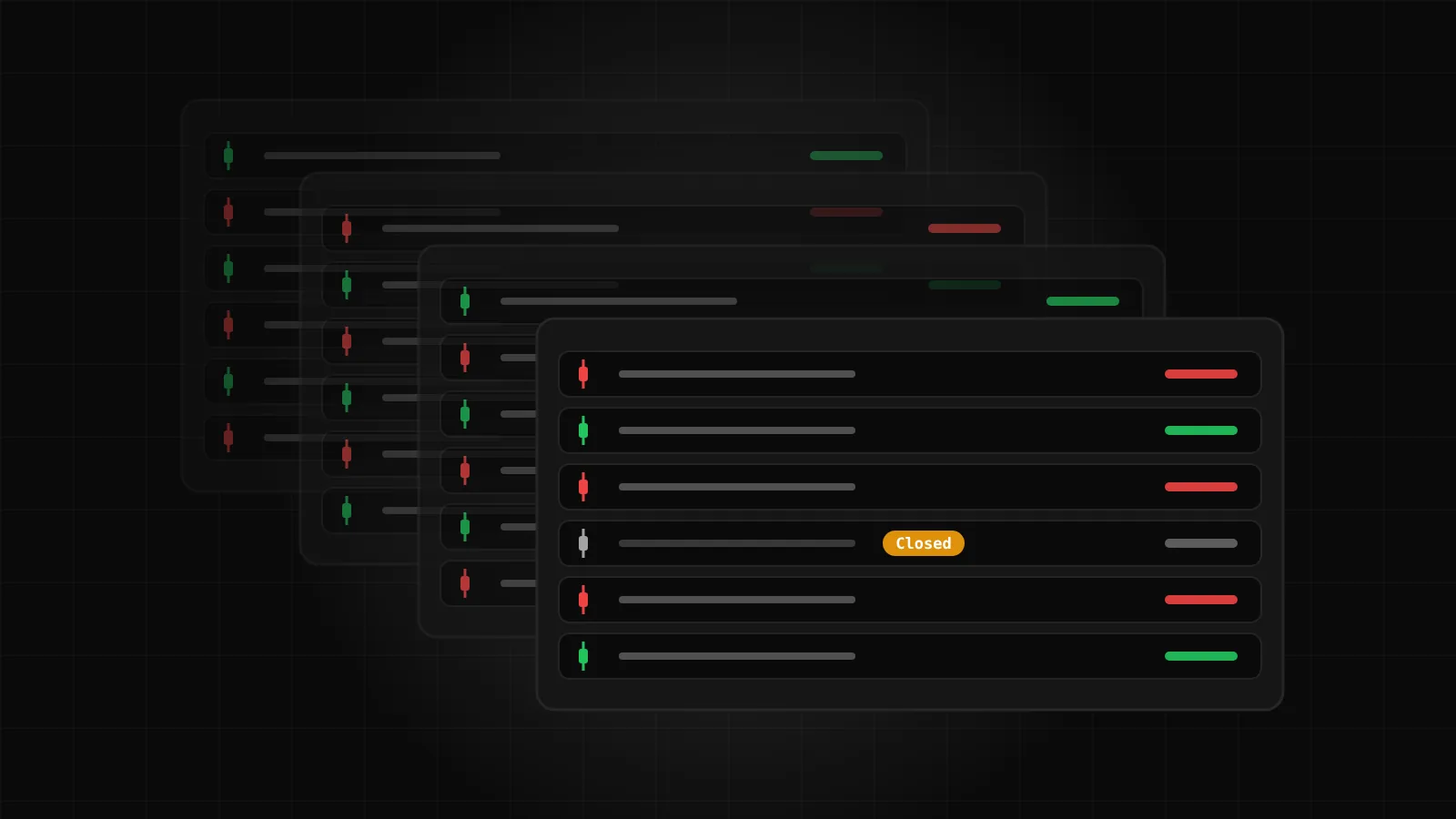
A watchlist is the first thing you build on a new terminal and the thing you look at most often afterwards. On DalRoti we designed it around one idea: the markets you follow should sit in one list, in the order you choose, whether the symbol trades in Mumbai, New York or on a crypto exchange.
This post walks through what a DalRoti watchlist can hold, what each row tells you, how closed markets are shown, and the small keyboard details that make a list quick to maintain.
One list, every market
Each member can keep up to four watchlists, with up to 30 symbols in each. Any symbol from any market can go in any list: Indian cash equities, F&O contracts, MCX commodities, CDS currency futures, spot forex, metals, energy, US stocks and crypto.
In practice that means a single list can carry a bank stock on the NSE, the front-month gold future on MCX, XAUUSD spot, a US stock and BTC-USD, one under the other. You do not need a "domestic" list and a "global" list unless that is how you prefer to think.
Four lists is enough for most ways of working. Some members split by market, some by timeframe (a swing list and an intraday list), and some keep one list for positions they hold and one for ideas they are watching. The lists are yours; the platform does not impose a structure.
What a row tells you
Every row shows the symbol, its exchange, the current state (live or closed), the last traded price and the change from the previous close. Change is shown through text colour only: green for up, red for down. Prices never flash a coloured background on each tick, because a list that blinks is a list you stop reading.
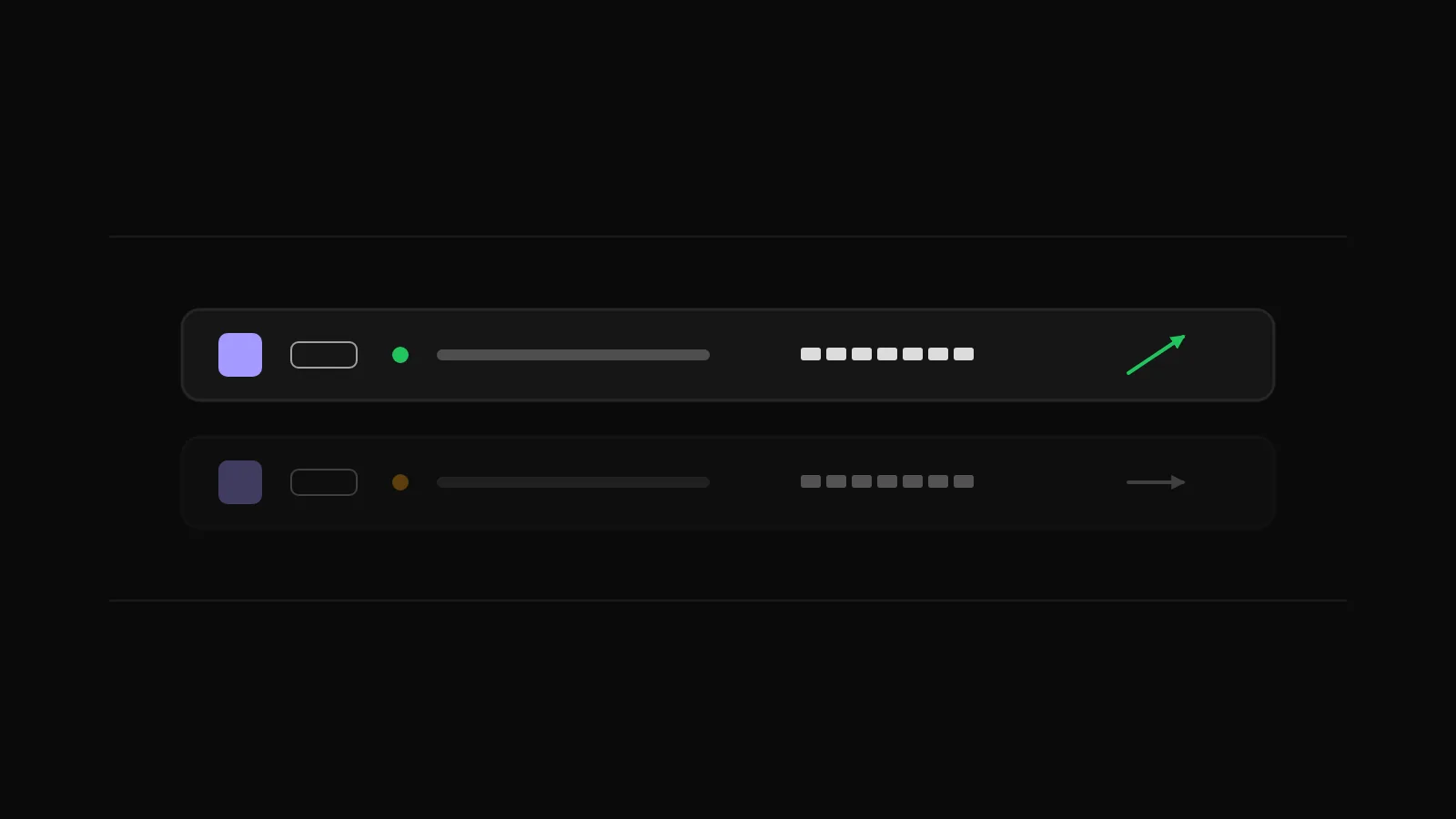
Clicking a row loads that symbol on the chart. The plus button next to the symbol tabs opens it in a new chart tab instead, so you can keep the current chart where it is. Right-clicking a row gives you Create alert and New order without leaving the list.
Closed markets still show a price
Markets close at different times, and a mixed list is open and closed at once for most of the day. NSE and BSE cash trade from 09:15 to 15:30 IST; MCX commodities run into the late evening; CDS currency futures close at 17:00 IST; spot forex, US stocks and crypto keep their own hours.
When a market is closed, the row shows Closed together with the last traded price. The number stays on screen so you still have a reference level, and it is clearly marked so you do not mistake it for a live quote. When the market reopens, the row switches back to live on its own.
One thing worth knowing for Indian symbols: live NSE, BSE and MCX prices come through your own connected Indian broker account. If a whole Indian list reads Closed during market hours, the usual reason is that the broker session has expired and needs today's login. The Brokers page shows the row that needs attention.
Where the prices come from
A watchlist is only as honest as its data labels, so DalRoti names the source on every global and crypto row. A crypto symbol appears as, for example, "BTC-USD · Coinbase", so you know which venue's price you are looking at. Global instruments carry their source name in the same way.
Indian prices are different by design. They come from the Indian broker you connected, which is why an Indian broker login is needed before Indian rows go live. Global and crypto rows work on every plan without any broker connected, and global market data is free on every plan.
Keeping a list tidy from the keyboard
A list you maintain by mouse alone gets stale. These are the habits we use ourselves:
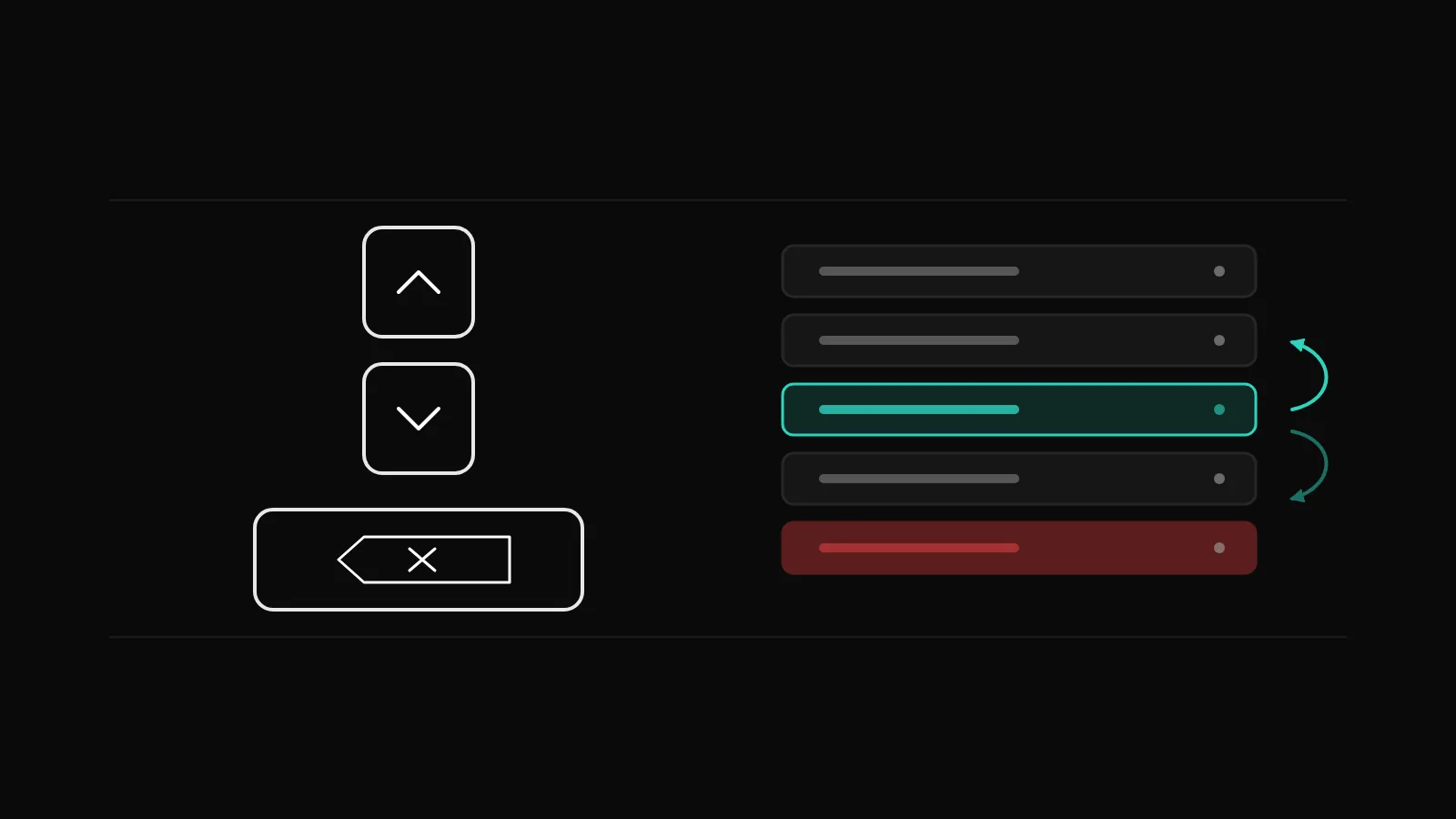
Remove a symbol with the row's remove button, or select the row and press Delete.
Reorder a row with Alt and the up or down arrow keys. Drag-and-drop works too, if you prefer it.
Reset row order from the row menu puts a connected account's list back into the broker's order.
Add a symbol from the search box at the top of the Instruments panel. Search starts from a single character and understands company-name words, ISINs and contract descriptions such as "RELIANCE DEC FUT".
Lists per account and the practice list
Alongside your own lists, the Instruments panel has a dropdown with one list per connected account. An MT5 account appears under its own label and shows MT5 symbols only; an Indian broker appears under its own name; a global broker connected by API shows its own watchlist symbols. These account lists are the tradable universe of that account, which is handy when you want to be certain an order will be accepted there.
The DalRoti Paper practice account adds its own list, with a practice index set to get you started. Switching between lists is a single click in the dropdown.
The same lists on your phone
In the DalRoti app, the Watchlist tab shows your lists in sections: Indices, Stocks, Futures, Forex, Commodities, Crypto. Tap the list name to switch or create a list, use the magnifier to search (the plus adds a symbol, the tick removes it), and long-press any symbol for Chart, Trade, Alert or Remove. The lists follow your account, so a change made on the phone is there on the web the next time you sit down, and the other way round.
A few patterns that work
None of these is a recommendation; they are simply ways members tend to use four lists of 30:
| List | What goes in it | Why it helps |
|---|---|---|
| Core | The 10 to 20 symbols you trade most | The chart you open first every morning |
| Today | Symbols from today's scan or Market Pulse | Cleared and rebuilt each session |
| Held | Everything with an open position or holding | One glance for exposure across accounts |
| Global | Metals, energy, US stocks, major crypto | Context for the Indian session, open while NSE is closed |
Whatever structure you pick, the rows behave the same way: last price, change, Closed when the market is shut, and the source named where it matters.
If you have not set up a list yet, the free Basic plan includes watchlists and global market data, so there is nothing to pay before you try it. See dalroti.ae for the rest of what the terminal does.
Trading involves a high risk of loss. DalRoti is a software tool and does not guarantee any profit. Decide your own risk and position size.
AI Generated