Scanner and Screener turn a market into a short list
The Scanner runs rule-based scans over a universe such as NSE large caps, F&O or MCX and lists what matches; the Screener filters instruments by rules. This post explains how to build, save and read a scan, and how results feed a watchlist or a strategy.
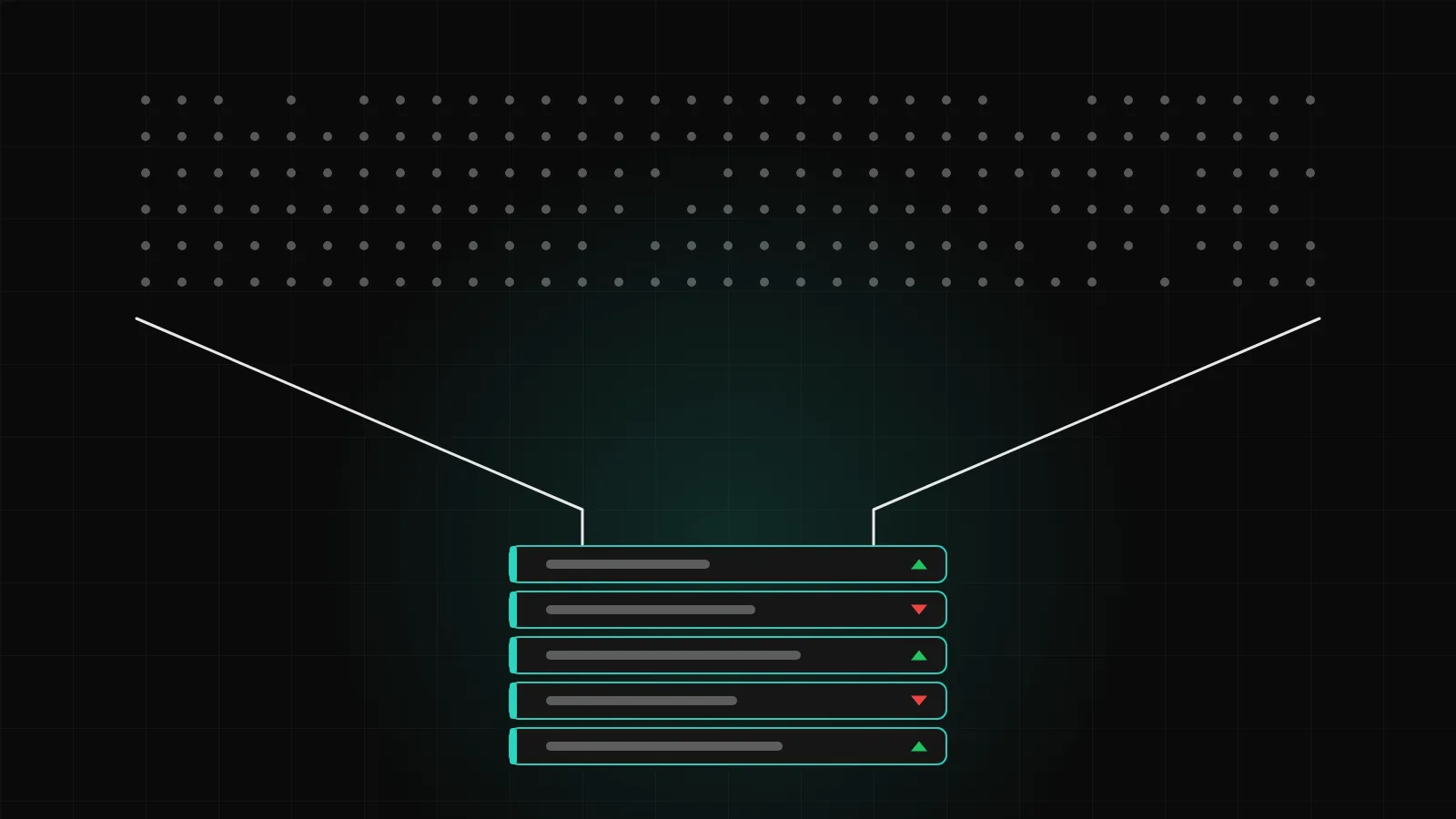
A watchlist answers the question "what is happening to the symbols you already follow". A scanner answers a different one: "which symbols, out of hundreds, are doing the thing you care about right now". DalRoti has a Scanner and a Screener for exactly that, and both are built on the same idea of rules you write once and run whenever you like.
This post explains how a scan is put together, what the results list tells you, and how a result becomes a watchlist row, an alert or a strategy.
Rules, not lists
A scan is a set of rules applied to a universe of instruments. You do not pick the symbols in advance; you describe what you are looking for, and the scan returns every symbol in the universe where the rules are true. The rules are set in a builder inside the terminal, condition by condition, in the same no-code style as the rest of DalRoti.
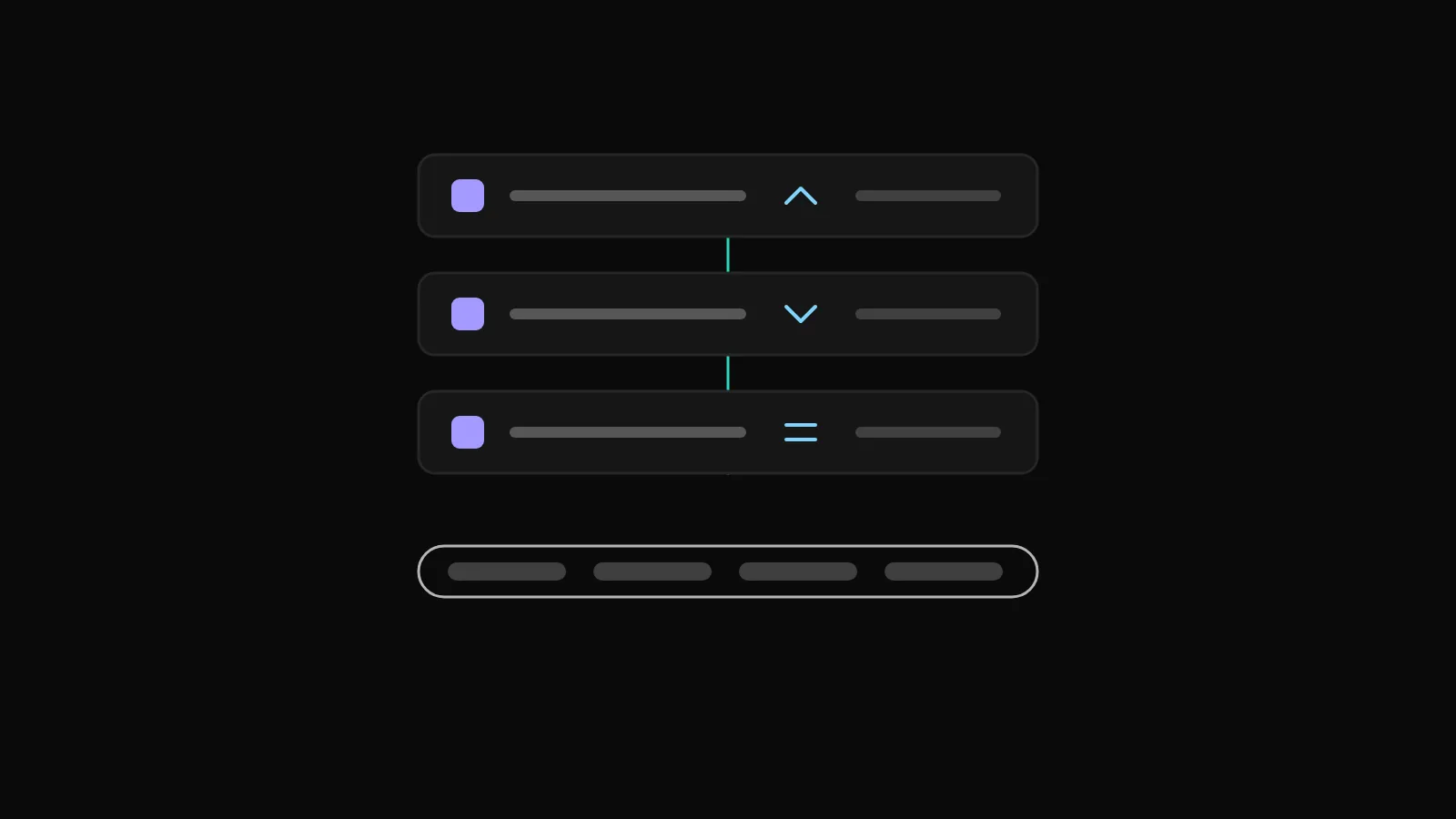
The practical difference from a watchlist is scale. A list of 30 symbols you check by eye is manageable; a universe of a few hundred is not. A scan reads them all and hands you the handful that match, so your attention goes to the short list rather than the search for it.
Universes
Every scan runs over a universe, which is the pool of instruments it looks at. The universes available include groups such as NSE large caps, the F&O segment, MCX commodities and index CFDs. Choosing the universe is the first decision, because it sets both the scope of the scan and the kind of result you get back: a scan over F&O returns stocks that have derivatives, which matters if you intend to trade the future or an option rather than the share.
Keep in mind the data behind each universe. Live NSE, BSE and MCX prices come through your own connected Indian broker, so Indian universes need that broker logged in today to reflect live prices. Global universes work from DalRoti's own named sources without a broker.
Saving a scan
Once a scan does what you want, save it. A saved scan keeps its rules and universe, so the next session is a matter of opening and running it rather than rebuilding it. Most members end up with a small set of saved scans that match the way they trade: one for the opening session, one for the afternoon, one for the commodities evening. Saved scans are the scanner's equivalent of a saved chart layout.
Because the rules are written down, a saved scan is also a record of what you were looking for on a given day. That makes it easier to notice when a scan stops producing useful results and needs its rules revisited, rather than quietly drifting.
Reading the results
A scan returns a results list: the symbols that match, with their current state. Reading it well is a habit worth building.
Check the time. A result is a snapshot at the moment the scan ran. In a fast market, re-run it rather than trusting a list from twenty minutes ago.
Check the market state. A symbol from a closed market can only be judged on its last traded price, not a live one. The watchlist conventions apply: Closed is shown with the last price.
Look at the chart before acting. A rule being true is a reason to look, not a reason to trade. Open the symbol on the chart and judge the context the scan cannot see.
Count the matches. Too many results usually means the rules are loose; none at all usually means a rule contradicts another or the universe is closed.
The Scanner also has its own tab in the DalRoti app, so the same saved scans can be run from a phone, and the Screener sits under More.
From result to watchlist
The simplest thing to do with a result is to keep it. Add the symbol to one of your watchlists, where it joins the other markets you follow and stays visible for the rest of the session. A common pattern is a watchlist named for the day, cleared each morning and refilled from the morning's scans, separate from the core list of symbols you always keep.
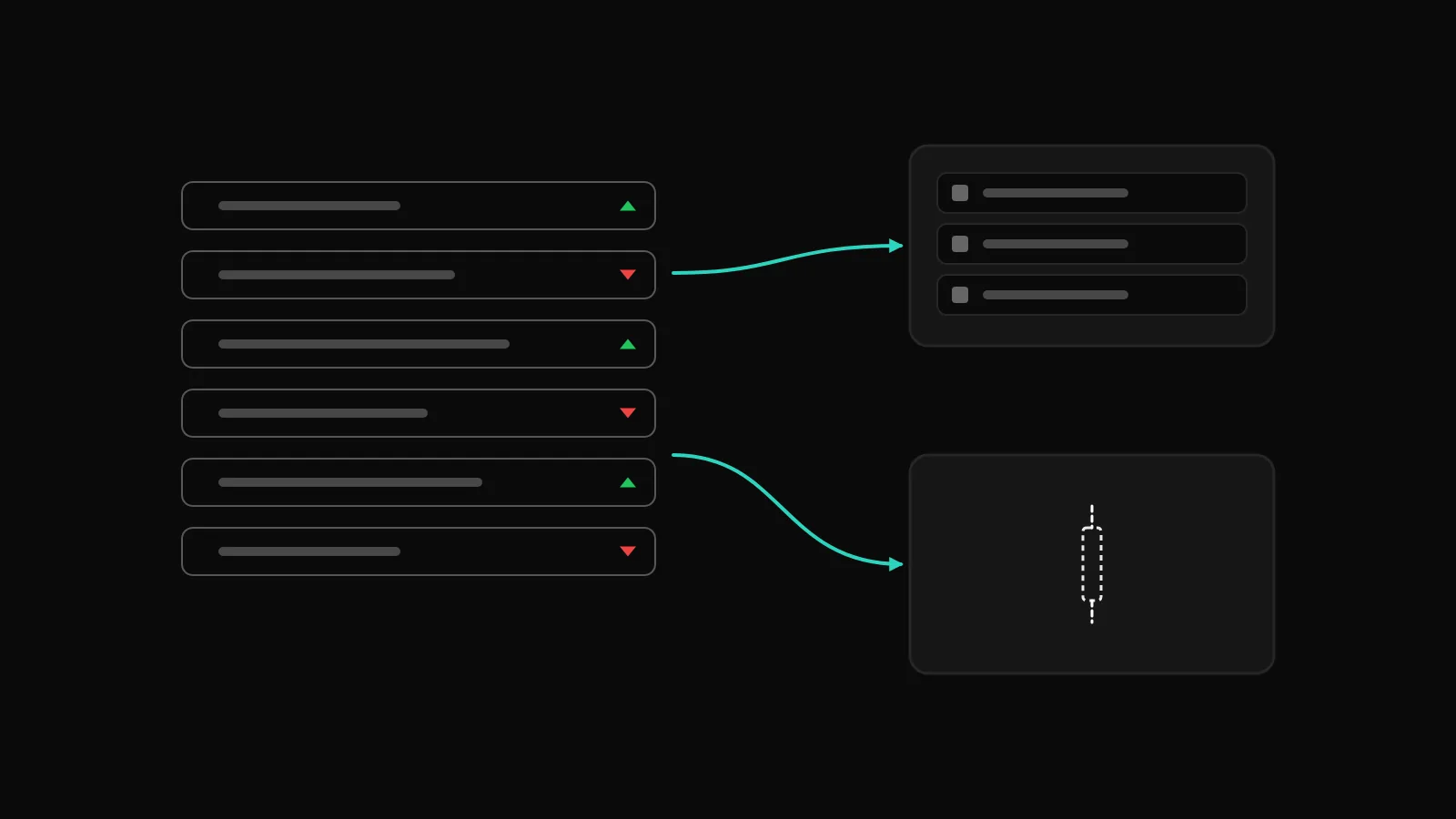
From there, a right-click on the row gives you Create alert and New order, so a scan result can become a price alert at the level you care about in two clicks.
From result to strategy
A scan finds candidates; a strategy acts on rules. The two fit together naturally. A symbol that keeps appearing in a scan you trust is a candidate for a strategy with the same logic, built in the no-code builder with that symbol in its Symbols step and the scan's condition as its entry rule. Start the strategy in paper, let it run through a full week and read the Monitor page before thinking about a live account.
The reverse is also useful. If a strategy idea is too broad to pick a single symbol, build the condition as a scan first and watch which symbols and which times of day it tends to match. That tells you where the idea applies before you commit a strategy slot to it.
Scanner and Screener
The two tools overlap, and the distinction is one of purpose. The Scanner is for conditions that are true now, run against a universe, with results that change through the day. The Screener filters instruments by rules to narrow a universe down to a set that fits your criteria, which you might then watch, scan or trade. Both use rules you set; neither makes a recommendation.
One honest limit: a scan tells you that a rule is true, and nothing more. Whether that rule has any edge is for you to test, in a backtest and in paper, before money is involved.
Getting started
If you have never used a scanner, start with a single rule over a small universe, run it a few times during a session and notice what comes back. Add a second rule only when the first produces too many matches. Save the scan once it is useful, add the results you like to a watchlist, and set alerts on the ones you want to be told about. Scanning fits between the watchlist and the strategy builder in the way we think of the terminal, and the pricing page at dalroti.ae/#pricing shows which parts are free and which are on paid plans.
Trading involves a high risk of loss. DalRoti is a software tool and does not guarantee any profit. Decide your own risk and position size.
AI Generated