Risk controls built into DalRoti, from LockMe to kill switches and 2FA
A tour of the controls that protect an account from its owner and from the unexpected, including LockMe account locks, kill switches for strategies and copier groups, daily loss and order limits, the quote-age safeguard on one-click trading, and two-factor sign-in with device sessions.
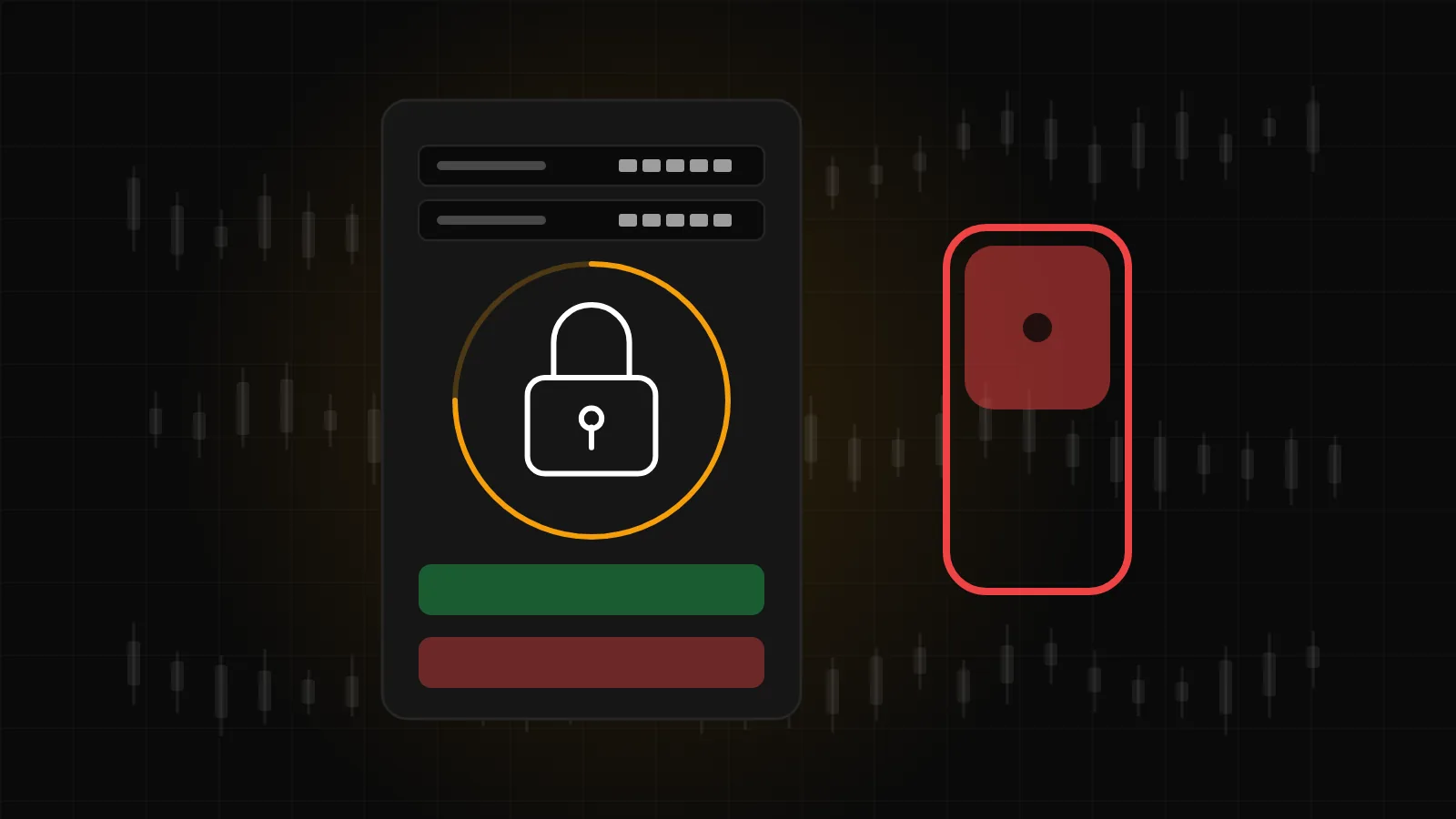
Most trading losses that people regret are not the ones the market forced on them. They are the extra order after a bad morning, the strategy left running through an event, the copier that kept going while a follower account drained. DalRoti includes a set of controls for exactly these moments, and the point of this post is to show where each one is and precisely what it does.
LockMe: a cooling-off period you set for yourself
LockMe lets you lock a trading account for a period you choose. When the lock starts, three things happen in order: open positions on that account are closed, pending orders are cancelled, and new orders are refused until the time is up. A lock pill with a countdown appears on the order pane and on the quick-trade bar, on the web and on the phone, so there is no mistaking which account is locked and for how long.
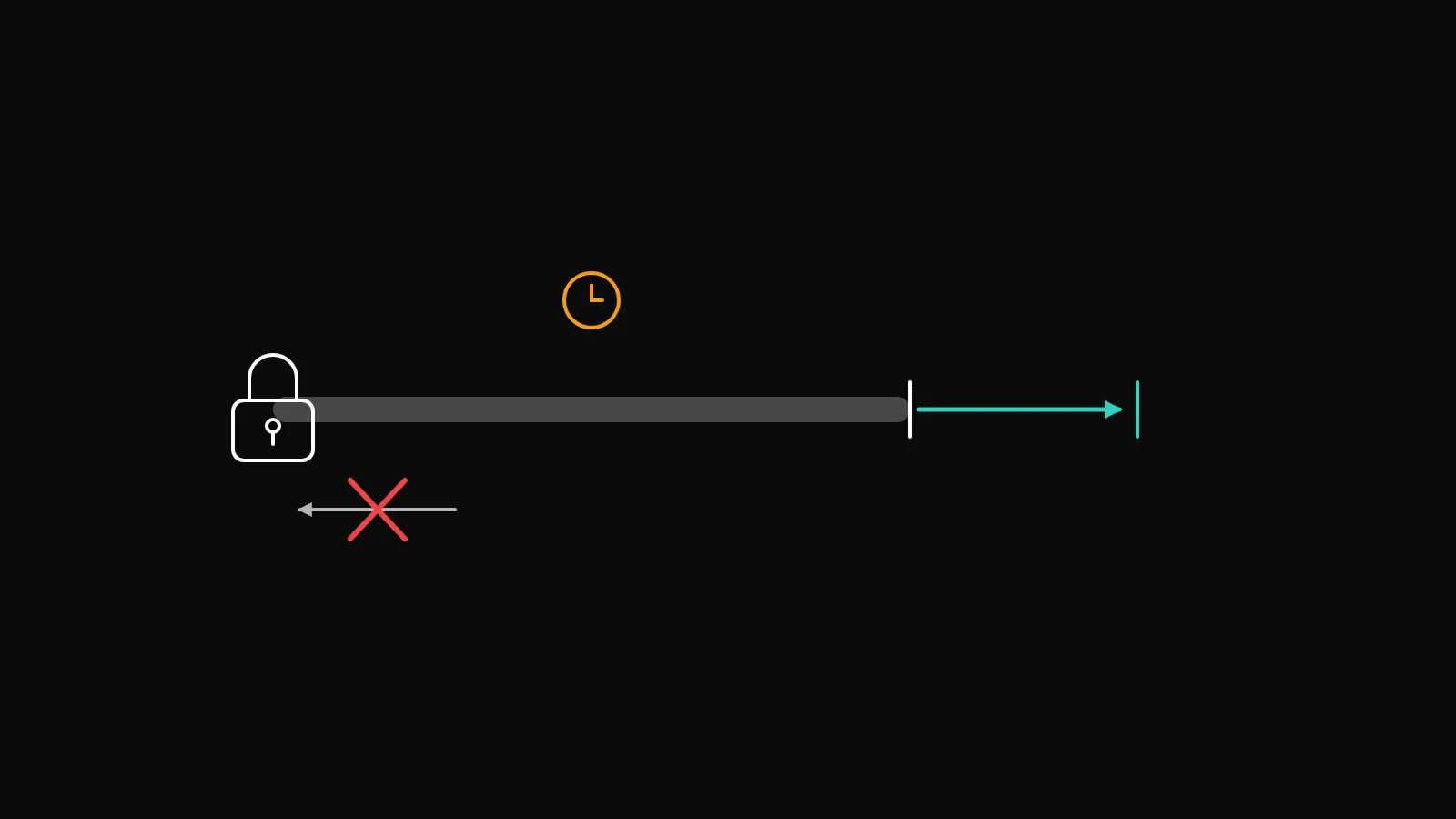
The rule that gives LockMe its value is that a lock can only be extended, never shortened. Once set, you cannot talk yourself out of it ten minutes later. That is deliberate: the control is designed for the version of you that sets it calmly, not the version that wants it gone.
A few ways members use it: after reaching a personal daily loss, for the rest of the day; before travelling; through a scheduled event they have decided not to trade; or as a fixed weekend lock set every Friday. The lock is per account, so a paper account or a second broker account can stay open while the one you are protecting is locked.
Kill switches for strategies and copiers
An automated strategy has two stopping controls on its card and its Monitor page. Pause takes no new entries while exits still run, which is the right choice when you want open positions managed to their stop or target but nothing new opened. Stop ends the run; it closes nothing by itself, so if you also want the positions flat, close them from the Positions pane, where Close can close everything or everything on one account.
Copier groups have their own kill switch. Pause stops new copies but still follows closes. Kill switch halts everything, including closes, for the case where something has gone wrong and you want to take over by hand. Kill switches are per account and per strategy, so stopping one strategy or one group leaves the rest running.
For speed in a real emergency, the help centre's answer is short: Positions pane, Close, All; then the copier's Kill switch.
Daily loss limits
A daily loss limit is a number you set once and then do not negotiate with. On a copier follower, Max daily loss in account currency pauses the follower itself when its copied P&L for the day reaches the limit, and a notification tells you it happened. On a strategy, a daily loss limit stops the strategy. In both cases the limit acts without you having to be at the screen, which is the whole point.
Set the number in money rather than in feeling. A limit you would not actually want triggered is set too low; a limit you have never come close to is set too high to protect anything.
Order limits
Order limits bound how much a strategy, or an account, can do in a day. In the builder's Entry step, a strategy has a maximum order limit in total and per day, a minimum gap between entries, one trade per signal, and a setting for whether it may re-enter the same day after a stop-loss or a take-profit. On the copier, Max size per trade caps any single copy. Per-account order limits apply the same idea to the account as a whole.
These are the quiet controls. A strategy with a one-per-day limit cannot turn a bad signal into a bad afternoon, whatever the market does.
The quote-age safeguard on one-click trading
One-click trading sends a market order without a confirmation dialog. It is off by default, and switching it on in the Settings gear is a conscious choice. Pending orders always confirm regardless.
With one-click on, the quick-trade bar applies a quote-age safeguard: it checks how old the quote it is about to trade on is, so an order is not fired against a price that has gone stale, for example after a connection hiccup or while a feed is catching up. Orders are never executed at platform prices in any case; your broker executes them. The safeguard is about not sending an order you would not have sent had you seen a current price.
Stops held where you choose
For strategies, stop-loss and take-profit protection is either Broker orders, held at the broker so they survive your connection dropping, or DalRoti managed, watched by the platform. Manual orders use broker orders wherever the broker supports them. If your connection could drop, broker orders are the safer choice, and the go-live checklist says so.
Sign-in and device sessions
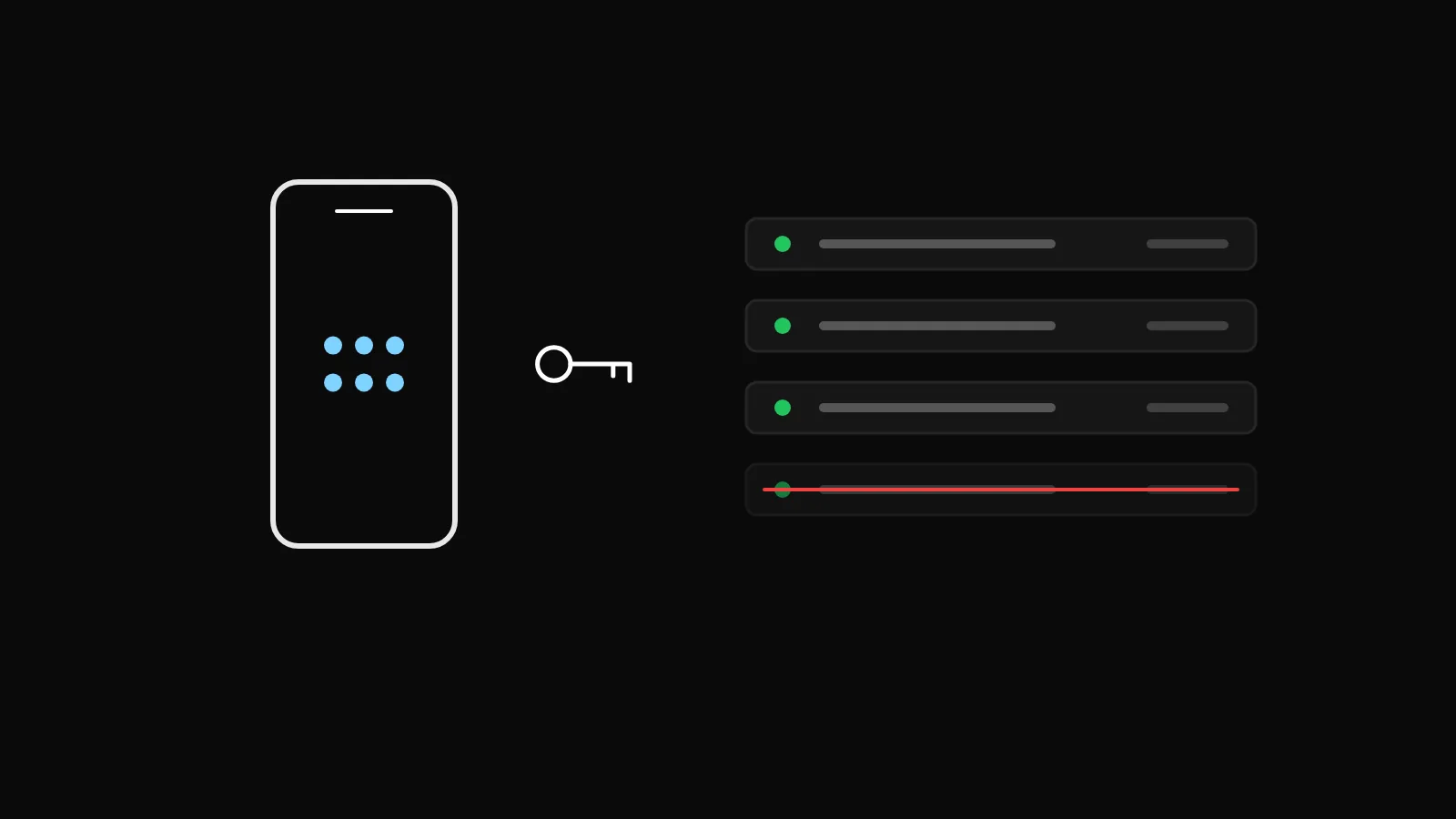
Account security is the risk control that protects everything else. Sign-up is by email and phone, sign-in supports two-factor authentication and passkeys, and security alerts and codes are always on and cannot be switched off in preferences.
Under Account → Security you can change your password, which signs out every other session; change your mobile number with a code to the new number; and see Trusted devices, the devices where you ticked "Remember this device" to skip the code for 30 days. Sign out everywhere revokes all of them at once, which is the first thing to press if a device is lost. Deleting the account from the same page removes broker connections, saved credentials, trusted devices and settings, and cannot be undone.
Broker credentials deserve a note of their own. Your money stays with your broker, orders go to your broker, and disconnecting a broker on the Brokers page ends DalRoti's access to it. A follower account in a copier group also cannot take direct orders, which prevents a manual order from colliding with copied ones.
Putting the controls together
A reasonable baseline for a live account looks like this:
| Control | Where | Suggested habit |
|---|---|---|
| LockMe | Order pane | Set it the moment you decide the day is over |
| Daily loss limit | Strategy and copier settings | A money figure you accept losing |
| Order limits | Builder Entry step | Per-day maximum and a minimum gap |
| Broker-held stops | Strategy Execution step | On, unless you have a reason not to |
| Two-factor and trusted devices | Account → Security | Review the device list monthly |
None of these makes trading safe. They make the worst days smaller and the mistakes recoverable, which is what a tool can honestly offer. Everything here is described in the help centre, and the rest of the terminal is at dalroti.ae.
Trading involves a high risk of loss. DalRoti is a software tool and does not guarantee any profit. Decide your own risk and position size.
AI Generated