Paper trading on DalRoti, practising at live prices before you risk money
The DalRoti Paper account fills simulated orders at live prices with no real money. This post covers what it simulates, what it cannot, how to reset a practice session and how to move a strategy from paper to a live account.
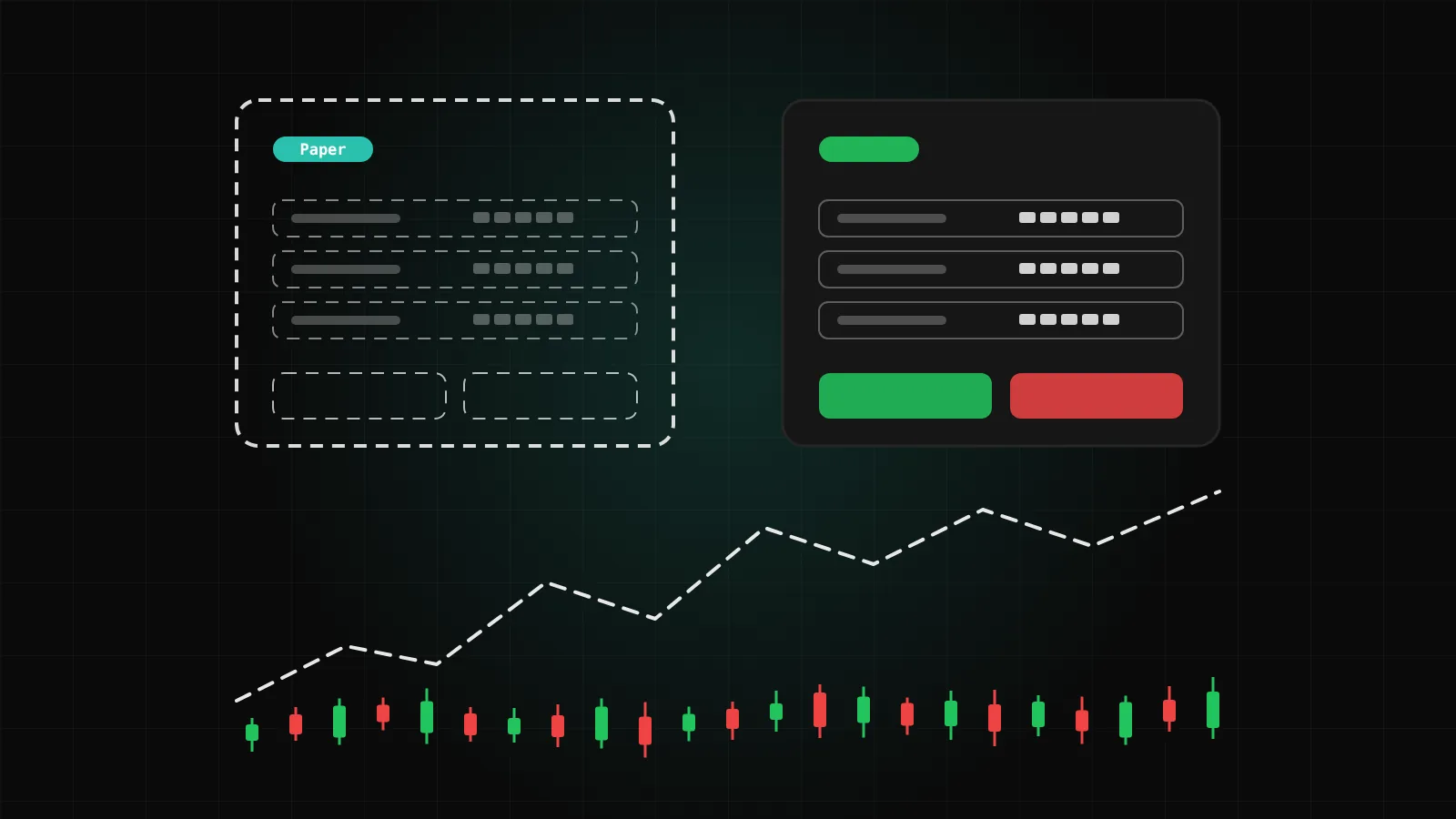
Every member gets a practice account called DalRoti Paper. It takes the same orders as a live account, fills them at live prices and keeps a balance, positions and a P&L history, but no money moves and no broker is involved. We think of it as the place to learn the terminal and to prove a strategy before a real account sees it.
This post explains what paper trading on DalRoti simulates, what it deliberately does not, how to reset, and how the move to live works.
Where the paper account lives
Open the order pane and set Account to DalRoti Paper. From that moment every order you place from the pane, the one-click bar or the chart goes to the practice account instead of a broker. The order form is the same: Market or Pending, volume, take-profit and stop-loss as a price or a distance. Nothing about the workflow changes between paper and live, which is the point. Habits you build in paper carry straight over.
The Instruments panel lists DalRoti Paper (practice) alongside your connected accounts, with a practice index list to get you started. Portfolio shows the paper balances, with a USD account and an INR account, and a P&L history over 1W, 1M, 3M or All. The Positions pane shows paper positions under Open, Pending and Closed like any other account.
What is simulated
A paper order is filled at the live bid or ask at the moment it arrives. The fill line shows the price used and the margin reserved. Realised and unrealised P&L move with the live price, so a paper position on gold at 2 am behaves exactly as a live one would in terms of the number on screen.
Stop-loss and take-profit levels set on a paper order are tracked with the position, and the history of closed paper deals is what feeds the paper P&L you see in Portfolio.
For strategies, paper is a first-class mode. On a strategy card, Start paper launches the strategy on the practice account with a starting capital you choose. The Monitor page then shows unrealised and realised P&L, the paper account's equity, balance, floating P&L and margin, a symbols table, an execution log with every signal, risk check, sizing step and order, and a Paper vs Backtest comparison that measures how closely the paper run reproduced the backtest's signals.
What is not simulated
A practice account is honest only if you know its limits.
No broker sits behind it. A paper fill is the platform's own simulation at the live quote. It cannot reproduce a broker's rejection, a queue at a limit price, a partial fill or the exact charges your broker applies. The help centre's article on why backtest, paper and live differ is worth reading before you rely on a paper result.
Indian prices still need an Indian broker. Live NSE, BSE and MCX prices come through your own connected Indian broker account, so an Indian symbol in a paper session shows live prices only while that broker is logged in today. Global and crypto symbols work in paper on every plan without any broker connected.
Paper P&L is practice P&L. It tells you whether your rules and your execution habits do what you intended. It does not tell you what a live account would have earned, and we never present it as if it did.
Resetting a session
Practice balances drift away from reality after a few weeks of experiments, and a fresh start is often more useful than a long history of trial and error. In Portfolio, the DalRoti Paper cards each have a Reset control. Resetting returns the balance to its starting value so the next series of trades is measured cleanly.
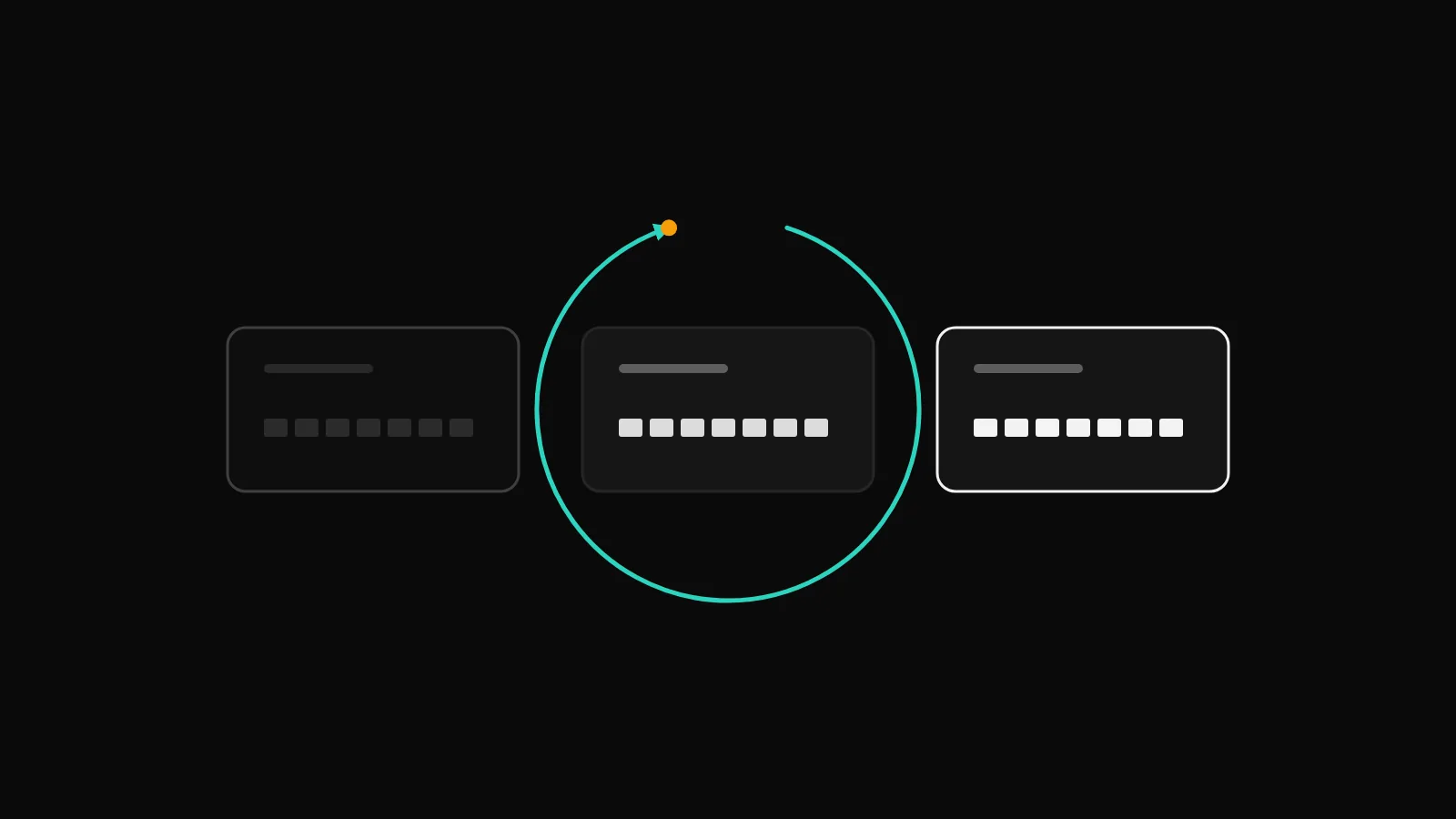
For strategies, each paper run is its own session. Stop on the Monitor page ends it, and Paper session history keeps the log of every past run, so you can compare a new version of a strategy against an earlier one without the two mixing.
Paper first, then live
The order we suggest for anything automated is backtest, then paper, then live. Each step removes a different kind of surprise.
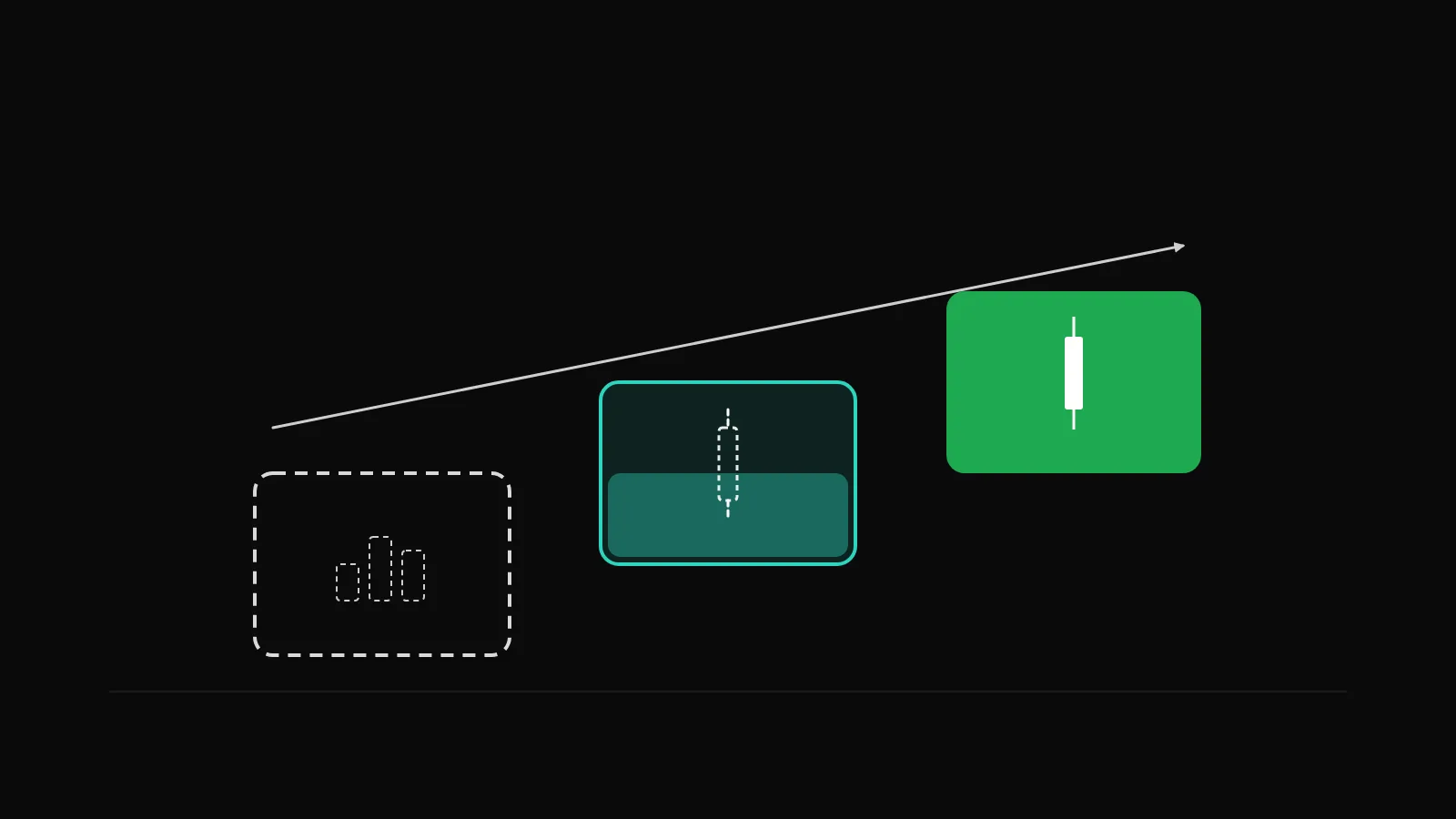
Backtest the saved version on the history of the account you intend to use.
Paper the same version through at least one full trading week. On the Monitor page, the Paper vs Backtest check lists any signal the paper engine did not reproduce, with a reason.
Go live from the card or the Monitor page. The dialog pins a version and an account, shows a risk summary and asks for a confirmation tick. The card badge turns to live and the Monitor page starts showing the broker's orders.
Before pressing Go live, there are a few checks worth making. Sizing should be a rule that scales with the account, not a fixed lot copied from a paper balance of a different size. A stop-loss should be set in the strategy, with Broker orders protection chosen if your connection could drop. And the broker must be connected and, for daily-login Indian brokers, logged in that day.
Live strategies run on paid plans; paper strategies are available on the free Basic plan, so the first two steps cost nothing.
Manual trading in paper
Paper is not only for automation. If you are new to F&O, to MT5 lots or simply to the terminal, placing a dozen manual paper orders teaches you where the confirmation dialog appears, how the one-click bar behaves and how dragging a stop-loss line on the chart modifies the order. One-click trading is off by default; turning it on in Settings removes the confirmation for market orders in paper as well as live, so practise with it in paper before you switch it on for a real account.
The first-15-minutes guide in the help centre ends with exactly this step: set the account to DalRoti Paper, keep Market, volume 1, press Buy, and watch the position appear under Open.
A fair way to use the results
Treat a paper run as a test of process, not of profit. Ask whether the entries happened when the rule said they should, whether the stop was honoured, whether the position size matched the sizing rule, and whether you would have been comfortable sitting through the drawdown. Those are questions a practice account can answer. What a live account will earn is not one of them.
Trading involves a high risk of loss. DalRoti is a software tool and does not guarantee any profit. Decide your own risk and position size.
AI Generated