Global markets on the same screen as your Indian ones
Forex, metals, energy, US stocks and crypto sit next to NSE and MCX symbols on DalRoti, each global row naming its price source. This post covers the data, the MT5 and global broker connections, and how trading sessions differ across markets.
A trader in India usually follows more than the Indian market. Gold and crude on MCX move with their global spot prices, the NIFTY opens after the US session has closed, and crypto trades through the night. DalRoti puts those markets on the same screen as your NSE and MCX symbols, with the same chart, the same watchlist rows and the same order pane.
This post explains where the global prices come from, how you connect a global or MT5 account, and how the different session hours show up in the terminal.
What you can chart and watch
Global market data is free on every plan and needs no broker connection. From the search box under the Global tab you can open:
Forex pairs such as EURUSD.
Metals including XAUUSD and silver.
Energy such as USOIL and natural gas.
US stocks listed on NASDAQ and NYSE.
Crypto pairs such as BTC-USD.
Each sits in a watchlist row with last price and change from the previous close, and opens in the same chart, built with the Advanced Charts library by TradingView and used under licence. Everything about the chart, from timeframes to drawings to saved layouts, is identical whether the symbol is RELIANCE or XAUUSD.
The source is shown by name
Global and crypto prices come from DalRoti's own data sources, and we name the source on every row. A crypto pair appears as "BTC-USD · Coinbase"; a forex or stock row carries its own source label in the same position. Where the same instrument is available from more than one source, each is listed as a separate row so you can choose the one you want to follow.
This matters more than it first appears. Spot gold quoted by two venues can differ by a few points at any moment, and a crypto pair's price depends on the exchange. Knowing which one you are looking at is the difference between a reference price and a guess. A line in the status bar credits TradingView for the chart library, and the source tag credits the price.
Indian rows are the exception: live NSE, BSE and MCX prices come through your own connected Indian broker, so they carry no source label of their own.
Trading global markets through MT5
Most members who trade forex, metals or indices do so through a MetaTrader 5 account, and DalRoti connects to it in two ways.
The DalRoti connector EAs. From the Brokers page you download two small Expert Advisors and attach them to charts in your MT5 terminal: the Quote EA streams prices and chart history and is read-only; the Connector EA sends orders and reports account state. You create the connection on DalRoti, generate a key, allow DalRoti's address in MT5's Expert Advisor options and paste the key into both EAs. The account row then shows Connected with the balance and a last-sync time.
The MT5 Cloud Bridge. If you would rather not keep a terminal running, the cloud bridge connects an MT5 or MT4 account from the login details you use in MetaTrader. It is a paid add-on and offers the same orders, positions and feed as the EA route with nothing to maintain.
Either way, the account appears as its own watchlist in the Instruments panel, showing MT5 symbols only, and as an account choice in the order pane and in strategy execution. MT5 demo accounts cannot be linked; a live account is required, and a cent account counts as live.
Below the account row, Feed health lists each MT5 symbol with Live or Closed, its last tick and ticks per minute, so you can see at a glance whether a quiet chart is quiet because the market is closed or because the EA has stopped.
Global brokers and crypto exchanges
Beyond MT5, the Brokers page lists global brokers and crypto exchanges by region, from the United States and Europe to Singapore and Australia, with a Coinbase connection for crypto. Each card is marked Live, meaning verified against the broker's real API, or Beta, meaning it was built from recorded responses and is best verified with a paper or demo account first. Connected global accounts get the same row controls: Trade, Symbols, Test connection, Details and Remove.
How sessions differ
The clearest difference between markets is when they are open, and the terminal reflects it rather than hiding it.
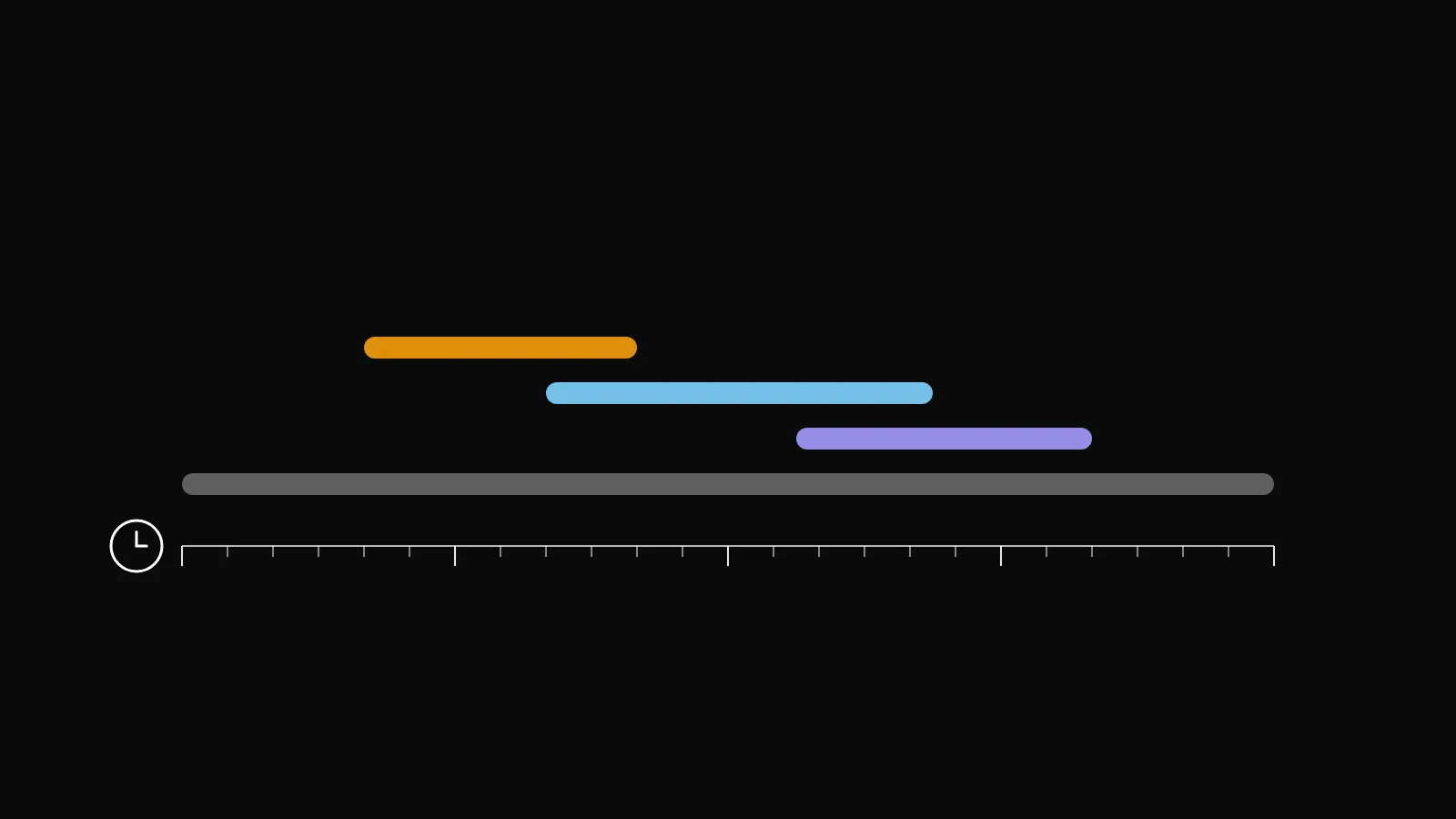
NSE and BSE cash trade from 09:15 to 15:30 IST. CDS currency futures close at 17:00 IST. MCX commodities run into the late evening.
Forex and metals trade around the clock on weekdays, with activity shifting through the Asia, London and New York sessions. The strategy builder offers these as presets, Asia 00:00 to 09:00, London 07:00 to 16:00 and New York 12:00 to 21:00, all in UTC.
US stocks keep US exchange hours, which fall in the Indian evening and night.
Crypto has no session; it trades continuously, including weekends.
On a watchlist, a closed market shows Closed with the last traded price. On an MT5 account, a symbol outside its trading session shows "Closed · Market closed" in Feed health, which is normal rather than an error. A strategy on a closed symbol waits: its card says "Market closed" with the opening time, and it takes no entries until then.
A practical consequence for mixed lists is that a global list stays live when the Indian market is shut, which is when many members do their preparation. The intraday candles also start at different times: 09:15 IST for Indian symbols and 00:00 UTC for everything else.
Leverage and costs are the broker's
Forex, metals and CFDs are usually traded with leverage, and the margin, swap and spread are set by your broker, not by DalRoti. The order pane shows the fees and leverage the broker reports at the bottom of the ticket, and Portfolio shows balance, floating P&L and margin per account. We show those numbers; we do not set them, and they vary between brokers and account types. Check the current rules with your broker and regulator before trading a leveraged product.
Global data, charts and watchlists are free on every plan; live trading through a connected account, automation and copying are on paid plans. The comparison is at dalroti.ae/#pricing.
Trading involves a high risk of loss. DalRoti is a software tool and does not guarantee any profit. Decide your own risk and position size.
AI Generated