Finding any instrument fast with DalRoti symbol search
One search box covers every market on DalRoti. This post shows the segment tabs, the shortcut words for commodities, how to type an options or futures contract directly, and what the Tradable and Chart only tags mean.
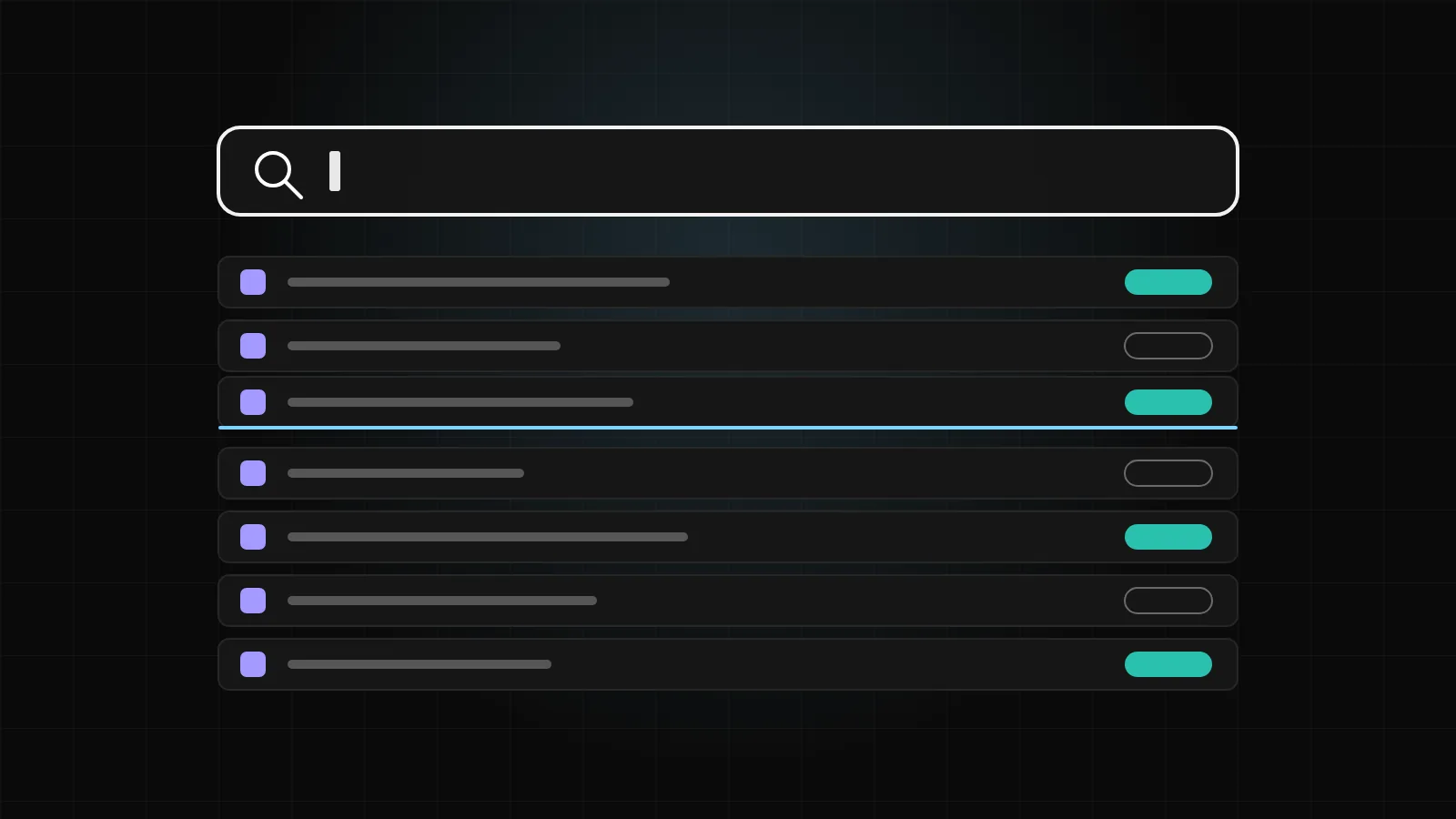
The quickest way to lose a trading idea is to spend a minute hunting for the symbol. DalRoti uses one search box everywhere, in the watchlist, on the chart and in the mobile app, and it is built to accept whatever you would naturally type: a ticker, a word from the company name, an ISIN, a commodity name or a whole contract description.
This post explains how that search behaves, with the exact inputs that work.
One box, seven segments
The search box sits at the top of the Instruments panel and at the top of the chart. Results begin appearing from the first character, so there is no need to type a full name before anything shows.
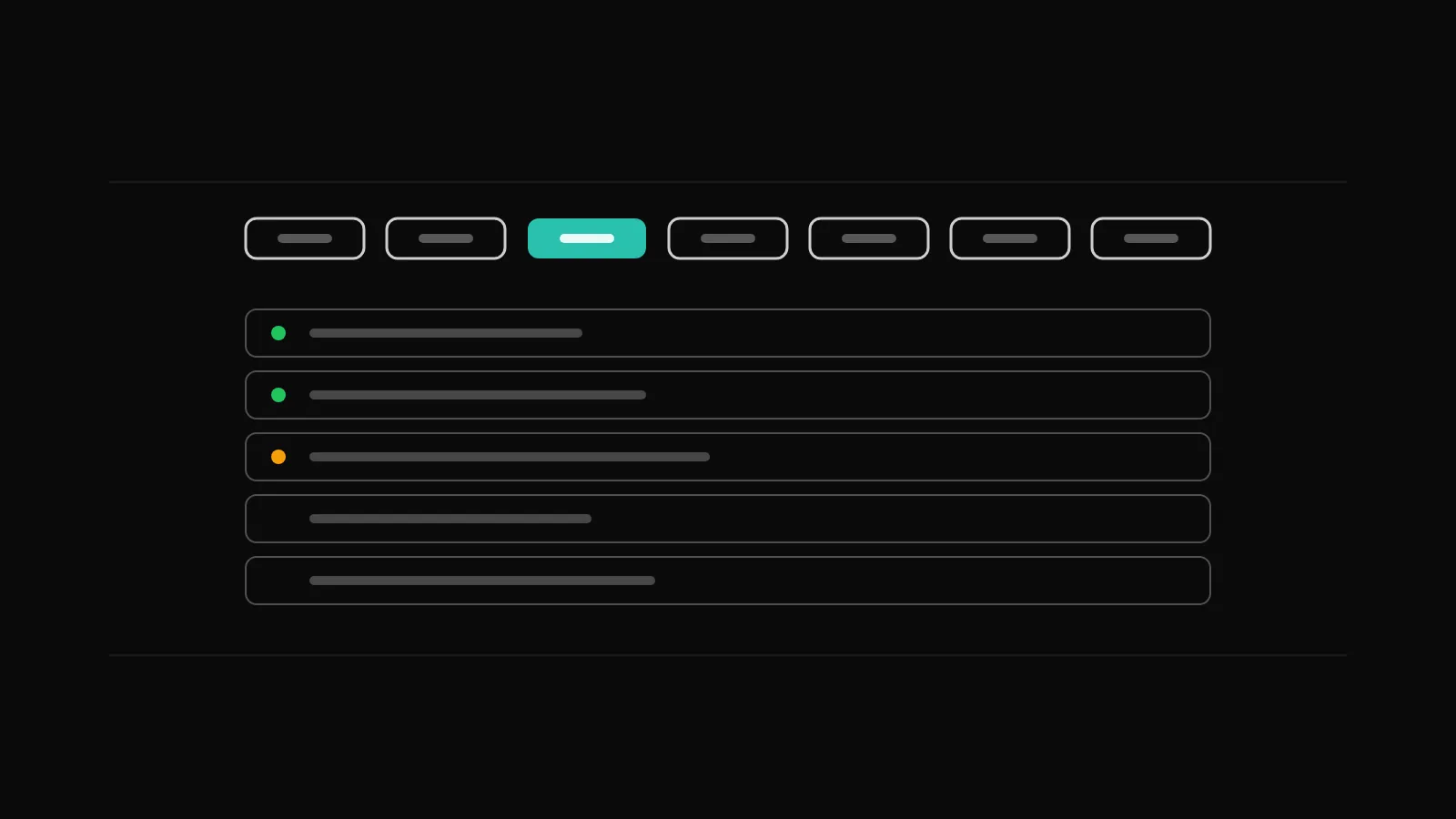
Above the results are segment tabs: All, NSE, BSE, F&O, MCX, CDS and Global. All is the default and searches every market at once. The other tabs narrow the results to one segment, which is useful when a short query matches too many things. Typing "gold" under All gives you the MCX future and the global spot; typing it under MCX gives only the exchange contracts.
Shortcut words for commodities and currencies
A handful of everyday words act as shortcuts. Typing gold, crude, silver, natural gas, copper or usdinr lists the front-month MCX or CDS future first, with the matching global spot instrument right after it, for example XAUUSD after the gold future or USOIL after crude.
You do not need to know the contract month or the exchange code. The search puts the contract most people mean at the top and the global reference price next to it, so comparing the two is one click away.
Typing a contract directly
If you already know the contract you want, type it the way you would say it. All of these work:
NIFTY 24 NOV 23500 CEfor an index call option with the expiry and strike spelt out.banknifty55600pewith no spaces and no capitals.RELIANCE DEC FUTfor a stock future by month.
The search reads the underlying, the expiry, the strike and the option type from what you typed and returns the matching contract. Spaces, capitals and the order of the parts are forgiving, so you can type quickly without stopping to format the query.
A note on expiries: Indian index options have weekly and monthly expiries, and each contract has its own lot size and freeze quantity limit. The search finds the contract; the lot size and any exchange limits are applied by your broker when you place the order, so check the current rules with your broker and regulator.
Company names, not just tickers
Indian tickers are often abbreviations that are hard to remember. The search looks inside company names, so typing baroda finds Bank of Baroda even though the ticker does not start with that word. Any distinctive word from the name works the same way.
If you keep an ISIN handy from a contract note or a portfolio statement, paste it in and the search returns the listing. And if a finger slips, a single wrong letter is tolerated: a one-letter typo in a symbol still returns the symbol you meant.
NSE and BSE listings are kept apart
Most large Indian companies are listed on both exchanges, and the two listings have slightly different prices, different liquidity and separate order books. DalRoti shows them as separate rows in the results, with the NSE listing first. Pick the exchange you actually trade on; a watchlist can hold both if you want to compare them.
Tradable or Chart only
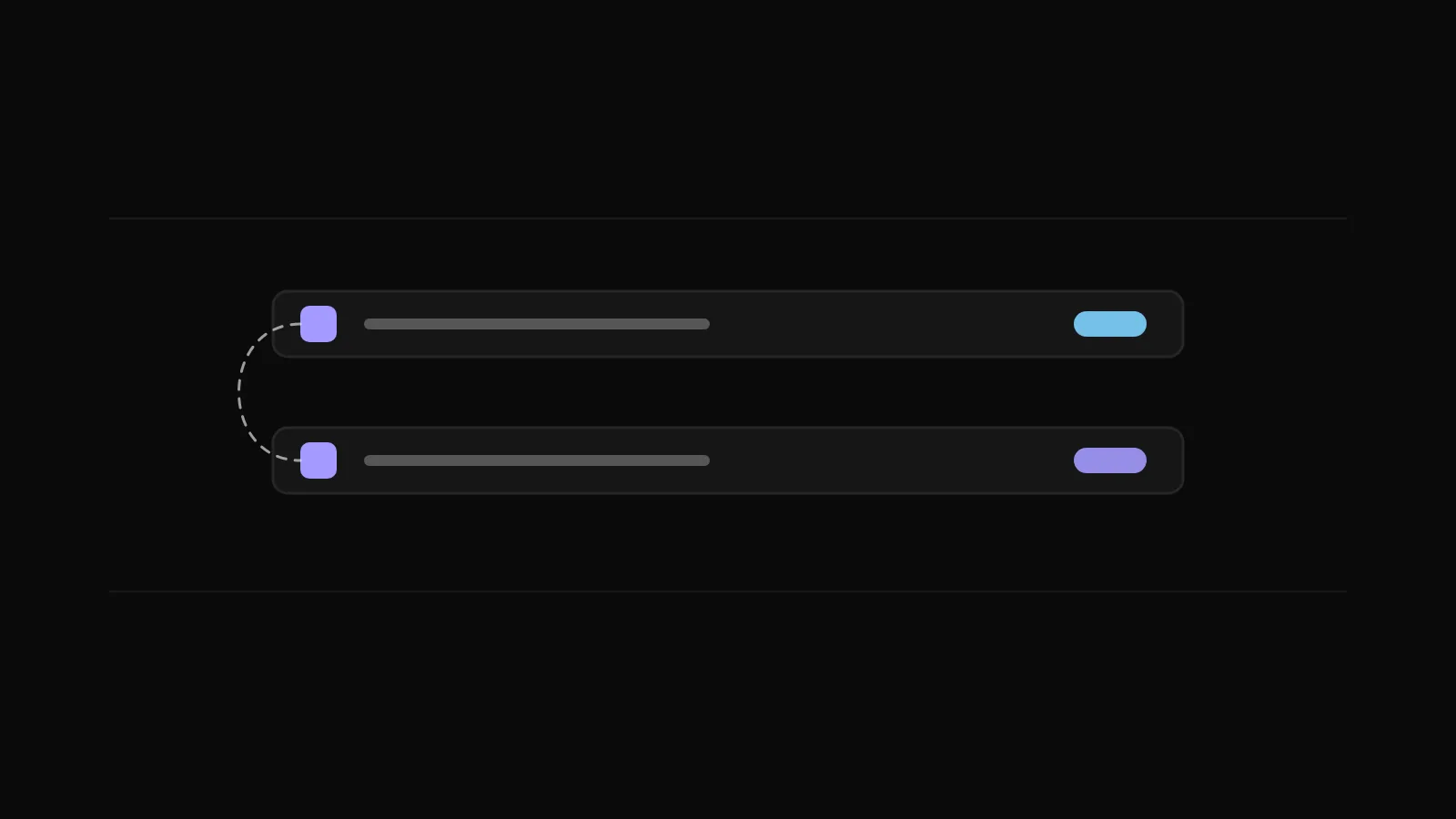
Each result row carries one of two tags.
Tradable means the instrument can be ordered from the selected account. The row goes straight to the chart and to the order pane.
Chart only means you can chart it, watch it and set alerts on it, but it cannot be ordered. Index symbols such as NIFTY 50 are the usual example: the index itself is not tradable, so you trade the future or an option on it instead. The order pane says the same thing if you try, and points you to the future to trade instead.
The tag is there so you know before you click, not after an order is rejected.
Global and crypto results name their source
Global and crypto instruments are listed per source, for example "BTC-USD · Coinbase". If the same pair is available from more than one source, each appears as its own row with its source named, so you can choose the venue whose price you want to follow. Indian results do not carry a source label because live NSE, BSE and MCX prices come through your own connected Indian broker.
Search on the phone
In the DalRoti app the magnifier on the Watchlist tab opens the same search, with category chips in place of the segment tabs. The plus adds a result to your list and the tick removes it. The query syntax is identical, so "banknifty55600pe" works on a phone keyboard exactly as it does on a desktop.
A short practice routine
If you are new to the terminal, try these five searches in order; each takes a few seconds and shows one behaviour:
Type
gand watch results appear from a single character.Type
goldand note the MCX future first and XAUUSD after it.Type
barodaand find Bank of Baroda by a word inside its name.Type
NIFTY 24 NOV 23500 CEand open the contract.Switch the tab to BSE and search for a company you know is dual-listed.
After that the search box will rarely slow you down. Search and charts are free on every plan; a full list of what each plan adds is at dalroti.ae/#pricing.
Trading involves a high risk of loss. DalRoti is a software tool and does not guarantee any profit. Decide your own risk and position size.
AI Generated