Copy trading and Mentors on DalRoti, from following to the trade copier
How following a mentor works, what a chart call contains, one-tap copy, mentor-led copying, the master-to-follower trade copier with its sizing rules and safety limits, the reasons a copy is skipped, live streaming basics and the disclosures involved.
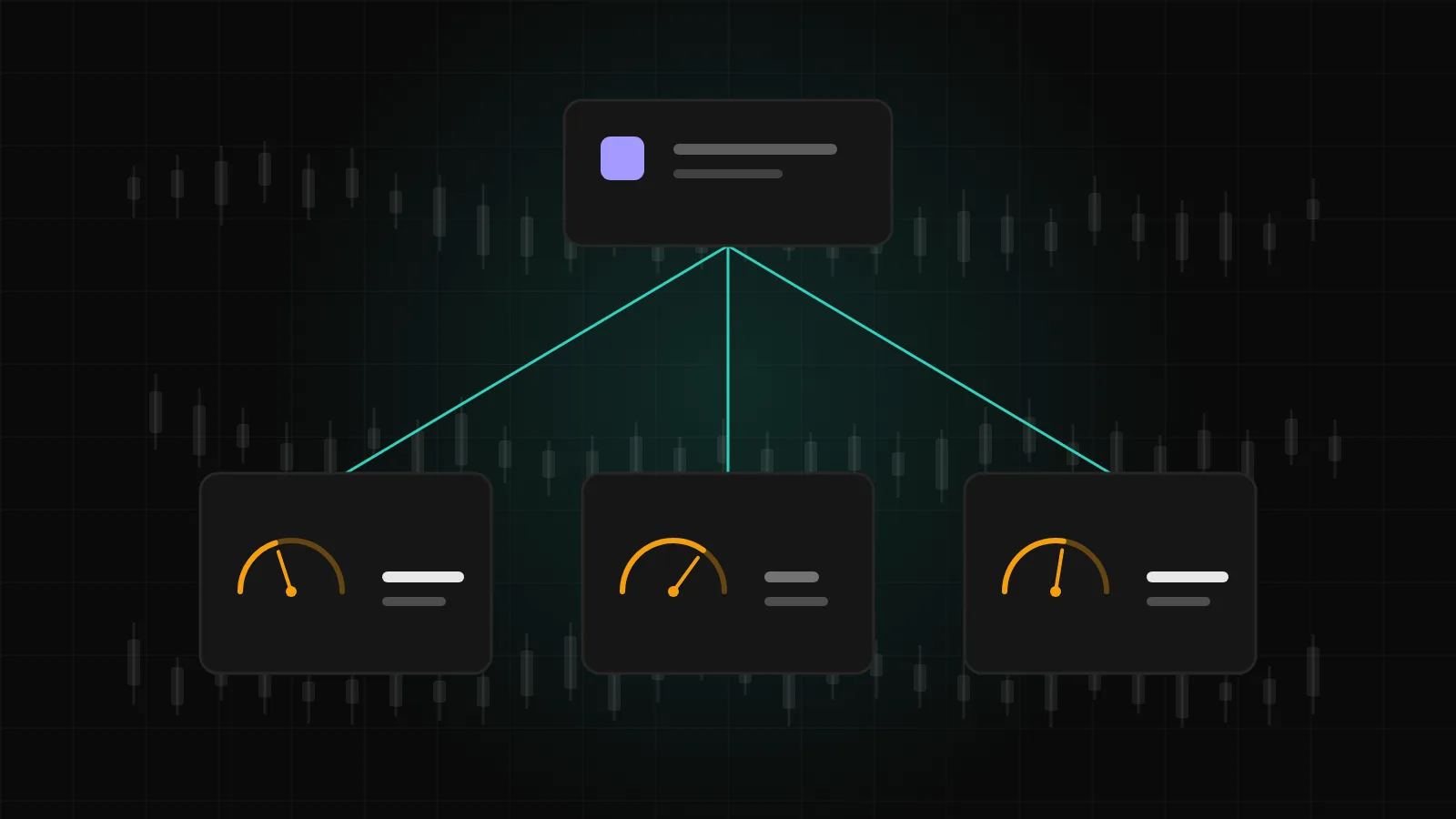
Not everyone wants to trade alone, and not everyone who trades well wants to teach. DalRoti's Mentors module and Trade copier cover the ground between those two: following a mentor's published calls, copying a single trade with one tap, letting a mentor's trades copy to your account automatically, or running your own copier between accounts you control.
This post explains each layer, the safety limits that sit under all of them, and the disclosures that come with the territory.
Following a mentor
Mentors are members whose profiles have been reviewed and approved by DalRoti. The Mentors directory lists them with filters by market and broker, a search by name or Mentor ID, and a leaderboard. A profile shows results drawn from the mentor's real master account, the number of followers and copiers, and the expected copy delay, and has a Feed tab and a Copy tab.
Following is free on every plan. Once you follow a mentor, their posts appear in your Following feed and, on the phone, in the Ideas tab, and you receive Mentor posts notifications on the channels you choose.
What a chart call contains
A mentor posts from the chart with New post, dragging entry, stop-loss and target lines or typing the prices. A post must have a stop-loss and a target, the entry must be within half a percent of the live price at the time, and it must carry a validity in hours or days. A verified chart capture is attached automatically, and the mentor may add extra targets, the market, the broker and a note.
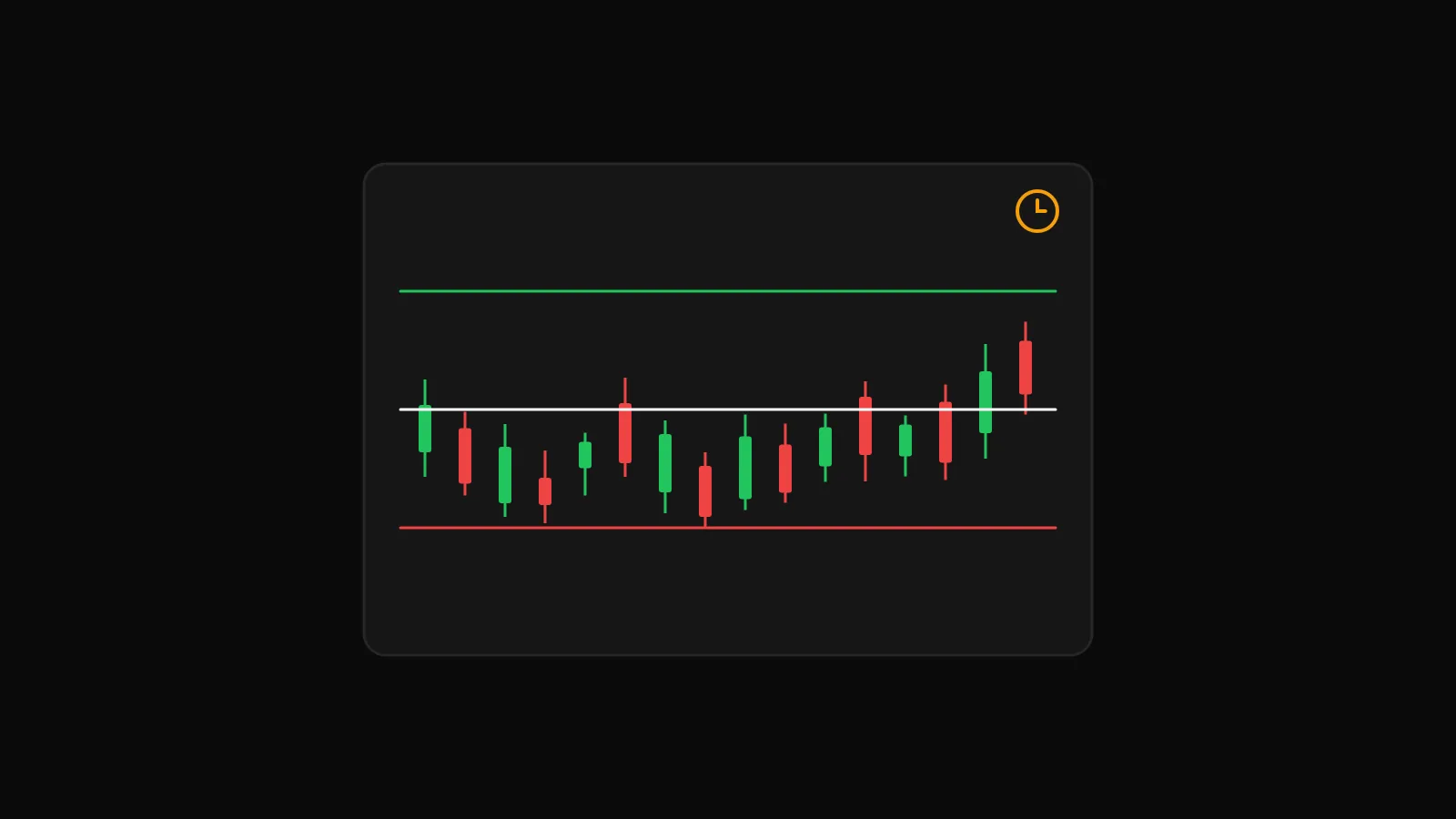
From then on the platform tracks the post against live prices and marks the outcome: target hit, stopped out or expired. The mentor confirms or dismisses the suggested result and can close a post manually. The feed header counts posts, open, target hit, stopped out and closed manually, and labels these as self-reported from posts; verified results are the ones that come from the master account through copy trading. As a follower, Open on chart puts the call's levels on your own chart.
Copy with one tap
A post can be copied as a single trade with one tap, in the DalRoti app, to the account you choose. It is still your order, placed from your own account with your own broker, and the position appears in your Positions pane like any other. One-tap copy is on paid plans.
Mentor-led copying
For continuous copying, a mentor sets up a Mentor group in the Trade copier, choosing the master account followers copy and the symbols shared from it. On the mentor's Copy tab you press Request to copy, pick your account and sizing, and consent to share your user name, broker, symbols, leverage, balance and copied P&L with the mentor. Account numbers and your other trades are never shared, and mentors never see followers' email addresses or phone numbers.
After the mentor accepts, your row shows as linked and copying, and only trades opened after acceptance are copied. You can pause, stop or remove the link from the same tab; stopping leaves any open copies open until you close them. Each copy link uses a slot on paid plans.
The trade copier between your own accounts
The same engine runs the Trade copier for accounts you control: one master, any number of follower accounts. Groups are MT5 to MT5, where symbols match automatically, Indian to Indian, with the same product and exchange as the master, or Any to Any, where you map each master symbol to the follower's symbol by hand. Unmapped symbols are skipped and logged.
Everything the master does, from DalRoti, its own terminal or its broker app, is mirrored: entries, exits, partial closes and changes to stop-loss and take-profit, subject to the follower's broker accepting the order and the connection being up. Sizing is set per follower:
| Lot sizing | What it does |
|---|---|
| Fixed | The same quantity on every copy |
| Ratio | A multiple of the master's quantity after unit conversion |
| Equity | Scaled by follower capital divided by master capital, same currency required |
Capital basis for the Equity rule is either live equity, including open P&L, or a fixed amount. A follower account in a group cannot place direct orders; the order pane says so and points you to the master.
Safety limits and skipped copies
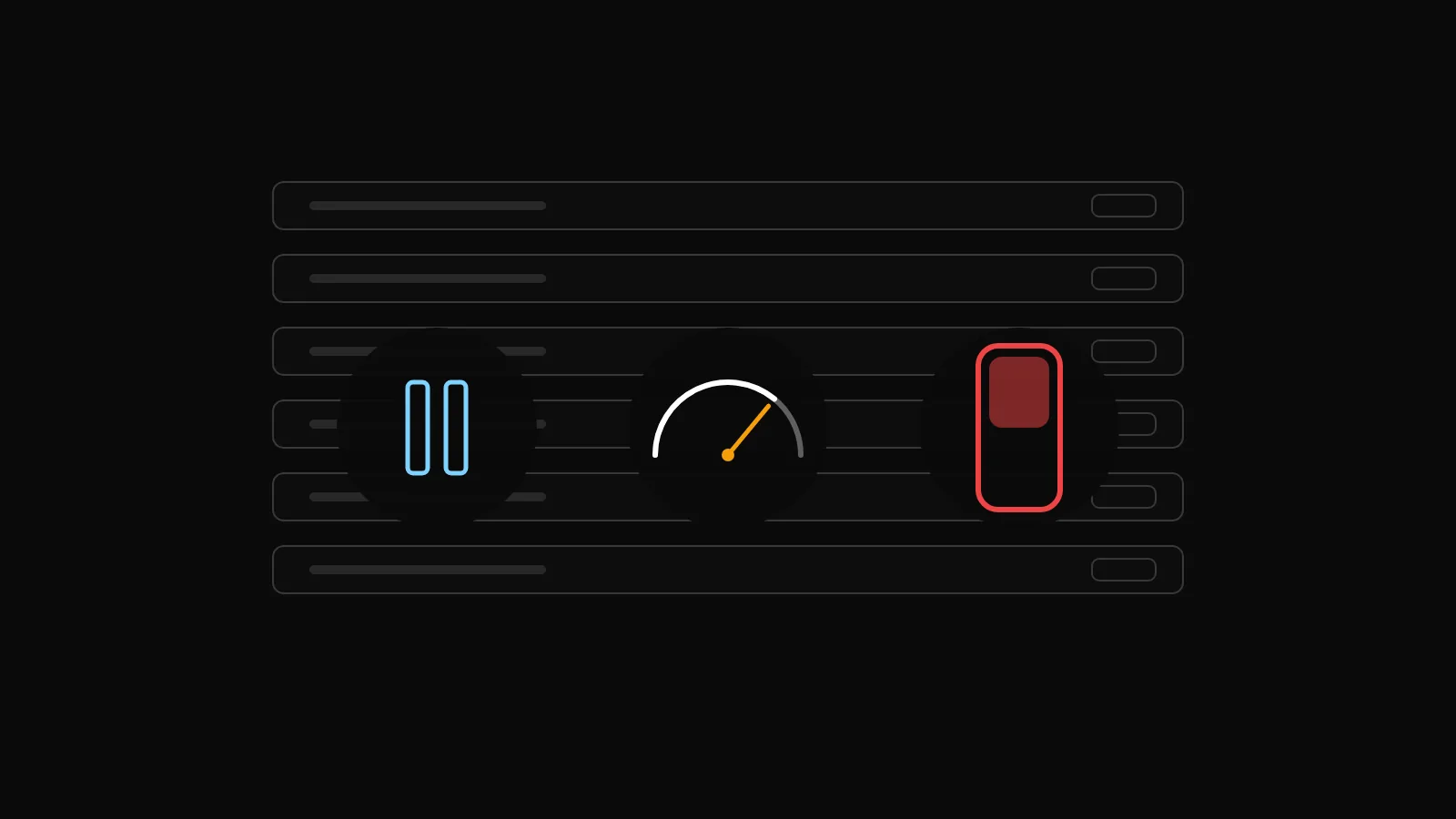
Three layers protect a follower account:
Max daily loss per follower, in account currency. When copied P&L for the day reaches it, the follower pauses itself and a notification fires. Max size per trade caps any single copy.
Pause on the group stops new copies but still follows closes, which is the right setting for a news day or a holiday.
Kill switch halts everything, including closes, for an emergency where you want to manage positions by hand.
Every attempt is written to the Copy log with its result. A copy that did not happen is marked SKIPPED with a reason you can act on: the capital basis is zero, a fixed quantity has not been set, the symbol is unmapped, the ratio result is below the follower's minimum size, the master closed something the follower never opened, the follower's market is closed, a plan limit is reached, or the kill switch is on. Mentor-led copies show the same reasons to both sides. A Daily report can be sent at a time you choose, and a follower that ends up holding a different position set is flagged out of sync until you fix the cause.
Live streaming basics
Approved mentors on the higher paid plans can stream their DalRoti tab to followers from Chrome or Edge on a computer, with microphone and an optional camera picture-in-picture. Streams are never recorded, are visible to followers only, and have a moderated chat. Privacy blur hides balances and account numbers; strict blur is forced on while restreaming to an outside platform. Sessions can be scheduled with a title, time zone and duration, and followers receive reminders before they start. Watching works on the phone; broadcasting needs a computer.
Disclosures
Copy trading is still your trading. Orders go to your broker from your account, and the follower's sizing rule, not the mentor's, decides how much is at risk. The expected copy delay shown on a profile is the mentor's broker round-trip and cannot be reduced from your side. Results on a profile are a record of the past on one account and say nothing about the future.
Mentors giving advice on Indian markets are asked for a SEBI research analyst number when they apply. Whether a particular arrangement is permitted for you depends on where you are and which broker you use, so check the current rules with your broker and regulator. Our role is the software between you, the mentor and your broker; see dalroti.ae for how that fits together.
Trading involves a high risk of loss. DalRoti is a software tool and does not guarantee any profit. Decide your own risk and position size.
AI Generated