Connecting your Indian broker to DalRoti
How to link Zerodha Kite, Dhan, Upstox, Angel One or another Indian broker, why some need a login every trading day, why live NSE, BSE and MCX prices come through your own broker, and what the Test, reconnect and Dedicated IP controls do.
Indian market data on DalRoti works differently from global data, and the difference is deliberate: live NSE, BSE and MCX prices come through the Indian broker account you connect, and orders go to that same broker. Your money stays with your broker and the prices you see are the prices your broker sees.
This post covers how to connect, what the daily login is about, and the controls on the Brokers page for testing and reconnecting.
Who can connect
Open Brokers in the left rail and press Manage broker connections. Under Add a supported broker you will find the Indian broker cards, each marked Supported, Coming soon or Not available. Zerodha Kite, Dhan, Upstox and Angel One are all supported, along with a long list of others. A broker not yet on the list can be saved under Other broker (API key); it shows as saved but not tradable until a connector exists, and Request it on a Coming soon card tells you when it goes live.
Before you start you need API access switched on at the broker. Most Indian brokers call it something like Kite Connect, SmartAPI or Upstox API, and some charge a monthly fee for it. Check the current terms with your broker.
Four kinds of login
Each card tells you which kind of login the broker uses, and that decides how much you have to do each day.
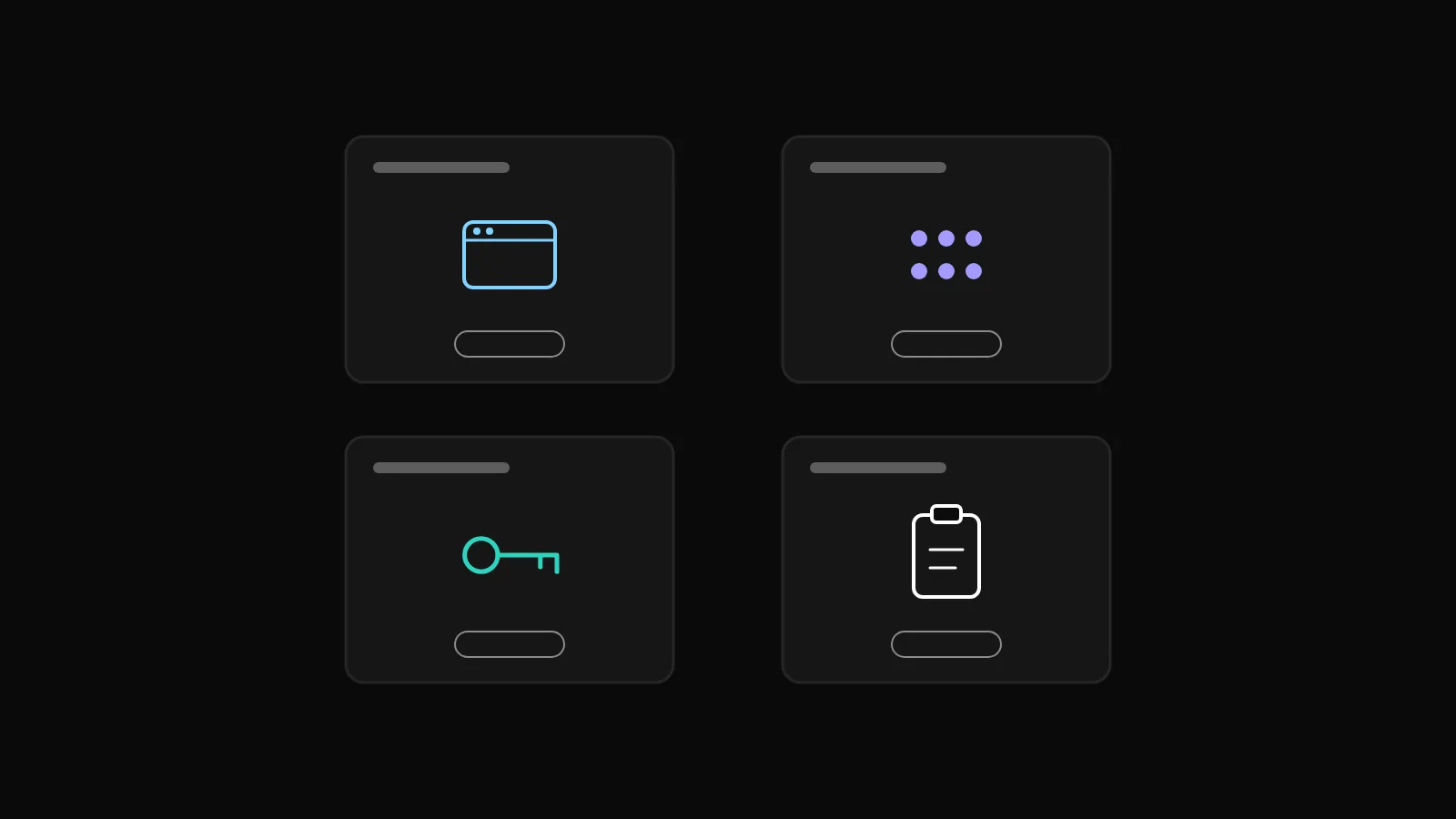
Browser login, daily (Zerodha, Upstox and several others): you enter an API key and secret once, then approve a login on the broker's own page every trading day.
PIN or password plus TOTP, auto login (Angel One among others): you enter your client code, PIN and TOTP secret once, and DalRoti logs in again on your behalf each day.
API key session, auto login (Dhan among others): key and secret, renewed automatically.
Pasted daily token: a new access token pasted in each day, used by one broker.
When you create the API app on the broker's portal, it asks for a redirect or callback URL. The exact address to paste is shown on the Brokers page; the field name differs by broker.
Linking step by step
Press Connect on your broker's card.
Fill the dialog: a Label you will recognise, the API key and secret (or client code, PIN and TOTP secret for auto-login brokers).
Press Connect. Browser-login brokers open the broker's page; approve there and you return to DalRoti.
The row under My connected accounts then shows Live with its session rule written out, for example "Expires daily at 06:00 IST – log in again each trading day" or "Renews itself before market open". Indian symbols become available in the Instruments panel, the account appears in the order pane, and the Journal imports the account's trade history on the next sync.
Why there is a daily login
Indian broker API sessions end every day. For browser-login brokers, the session ends in the early morning and you press Log in on the account row before the market opens; for auto-login brokers, DalRoti renews the session itself and tells you only if it fails.
The app is explicit about this state. An Indian list that reads Closed during market hours, or an "Indian data locked" message, almost always means the session has expired. The Brokers row says "needs today's login" and Log in (or Edit → Reconnect) brings it back to Live.
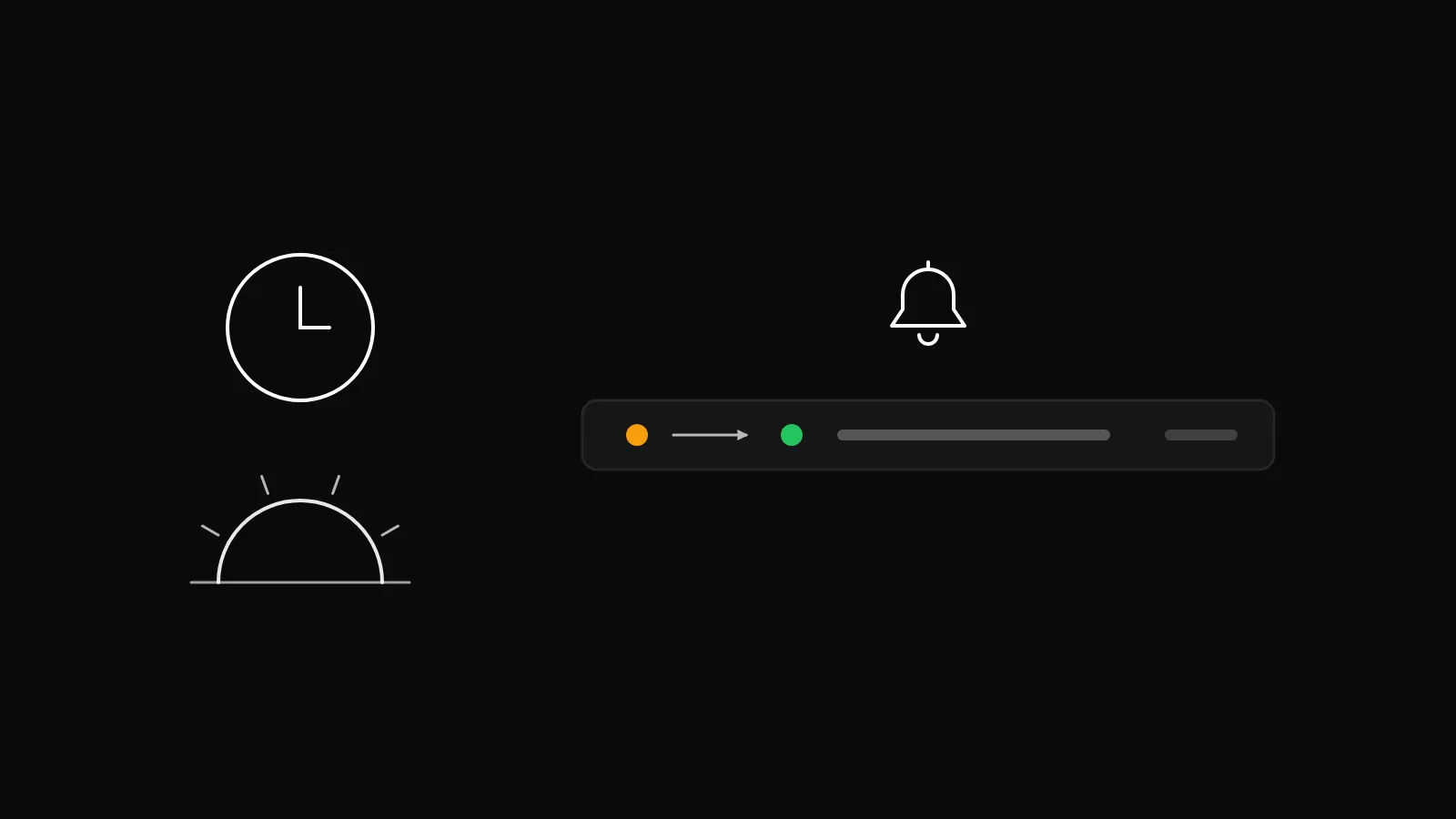
Two notification rows make this painless. Morning login reminder arrives at 08:30 IST on trading days, and Broker disconnected tells you if a session drops during the day. Both are under Account → Notifications, where you choose the channels. If an auto-login broker reports Auto-login failed, the broker's reason is in the notification; it is usually a changed TOTP secret or PIN, fixed by editing the connection.
Why prices come through your broker
DalRoti does not supply Indian exchange prices of its own. The live NSE, BSE and MCX quotes on your chart and watchlist come through the broker account you connected. That is why Indian symbols need an Indian broker login that day, and why global and crypto symbols, which come from DalRoti's own named sources, work without one.
There is a practical benefit: the price you chart is the price your broker shows, and the order you place from it goes to the same broker. Orders are never executed at platform prices; your broker executes them.
Test, reconnect, edit, disconnect
Each Indian account row carries Test IP, Edit, Details and Disconnect.
Test IP sends a request through the Dedicated IP and reports whether the broker accepts it.
Edit opens the credentials so you can update a key, secret or TOTP secret, and offers Reconnect.
Details opens the account's details.
Disconnect removes the connection; anything that needs the account stops until you connect it again.
A green dot and Live on the row is the state to look for before the market opens.
The Dedicated IP add-on
Several Indian brokers require the IP address that sends orders to be whitelisted in advance. DalRoti offers a Dedicated IP for this: one static address you paste into each broker's whitelist. Request it from the Brokers page, copy the IP, add it at the broker, switch IP whitelist on for the account row and press Test IP. A green result means the broker accepts requests from that address.
The IP runs on a 30-day term and is renewable. A Dedicated IP expiring notification arrives three days before the end, and renewing early matters because most Indian brokers allow an IP change only once a week. Whether the add-on is included on your plan is shown under My plan.
Before your first live order
Three checks save most first-day problems:
The account row reads Live and, for daily-login brokers, has today's login.
IP whitelist is on and Test IP is green if your broker requires it. The order pane will say "Live order executes via dedicated IP" when this applies.
The product type you intend to use (MIS, CNC or NRML) accepts the order type you have chosen; some products do not accept stop-loss orders, in which case a bracket or cover form is the alternative.
Set the order pane to DalRoti Paper for the first few orders if you want to rehearse the flow without sending anything to the broker. The Brokers page and the Indian broker connections are described step by step in the help centre, and the rest of the terminal is on dalroti.ae.
Trading involves a high risk of loss. DalRoti is a software tool and does not guarantee any profit. Decide your own risk and position size.
AI Generated